
The record system HCV and LIPH staff open first every morning.
ETR keeps applicant, participant, recertification, inspection and grievance evidence in one transaction-based household file, retrievable in a single search.

Purpose-built for housing operations, not a repurposed DMS.
ETR is a web-based platform for organizing, retrieving and governing tenant and participant records throughout the housing lifecycle. It complements your existing HMS or rent-ledger system rather than replacing it. Deploy in the cloud, hybrid, or on-premises.
Five household-file surfaces, one platform.
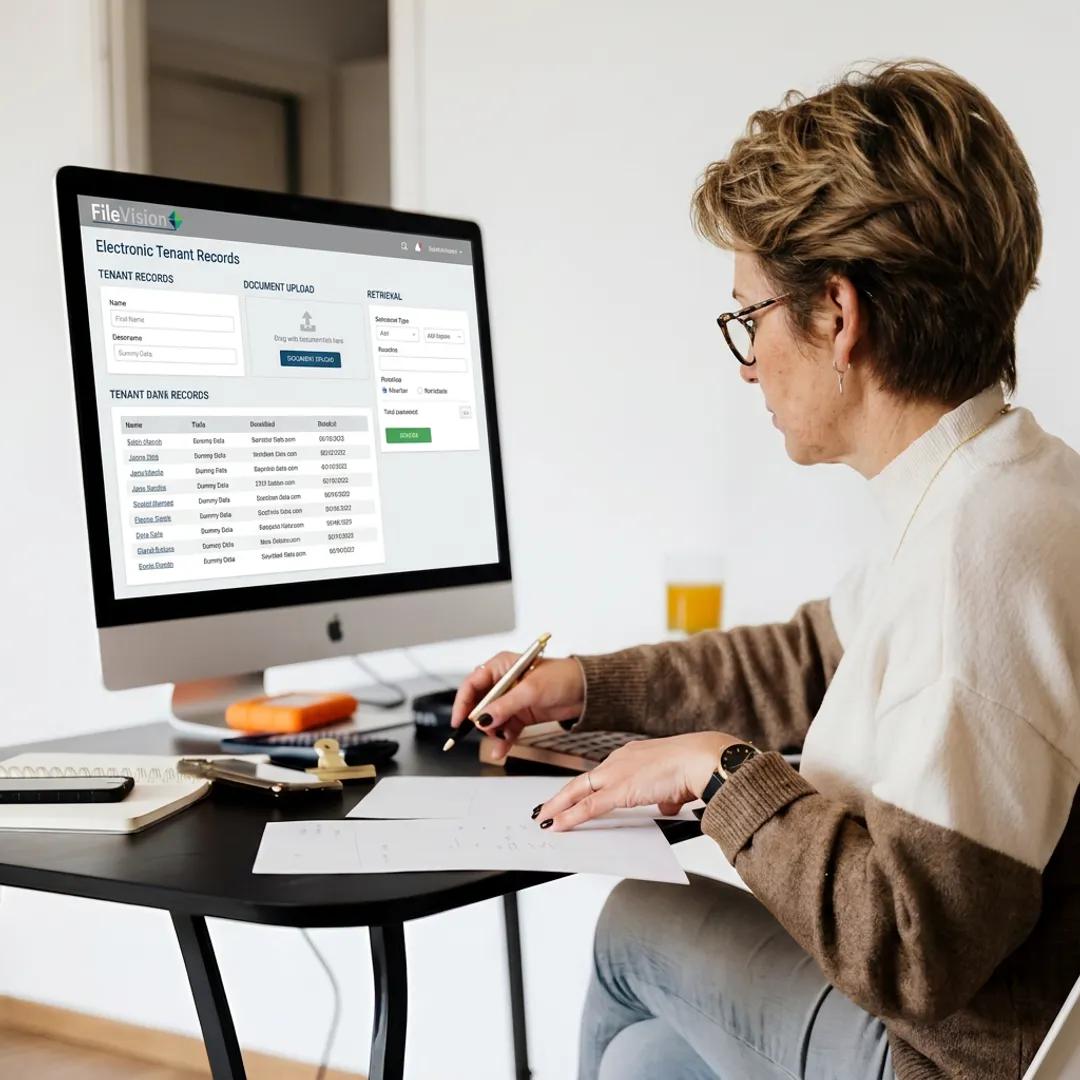
Applicant and Intake Files
Structured applicant records with eligibility, verification and intake paperwork organized by transaction and household.
Request a demoHCV Participant Files
Voucher participant documentation, recertifications, briefings, notices and RFTA correspondence in one file per household.
Request a demoPublic Housing Resident Files
LIPH resident recertifications, grievances, reasonable accommodations, inspections and correspondence, tied to the household.
Request a demoAnnual Recertification Files
Checklists, income and verification evidence, EIV documentation, notices and approvals kept together for every reexamination.
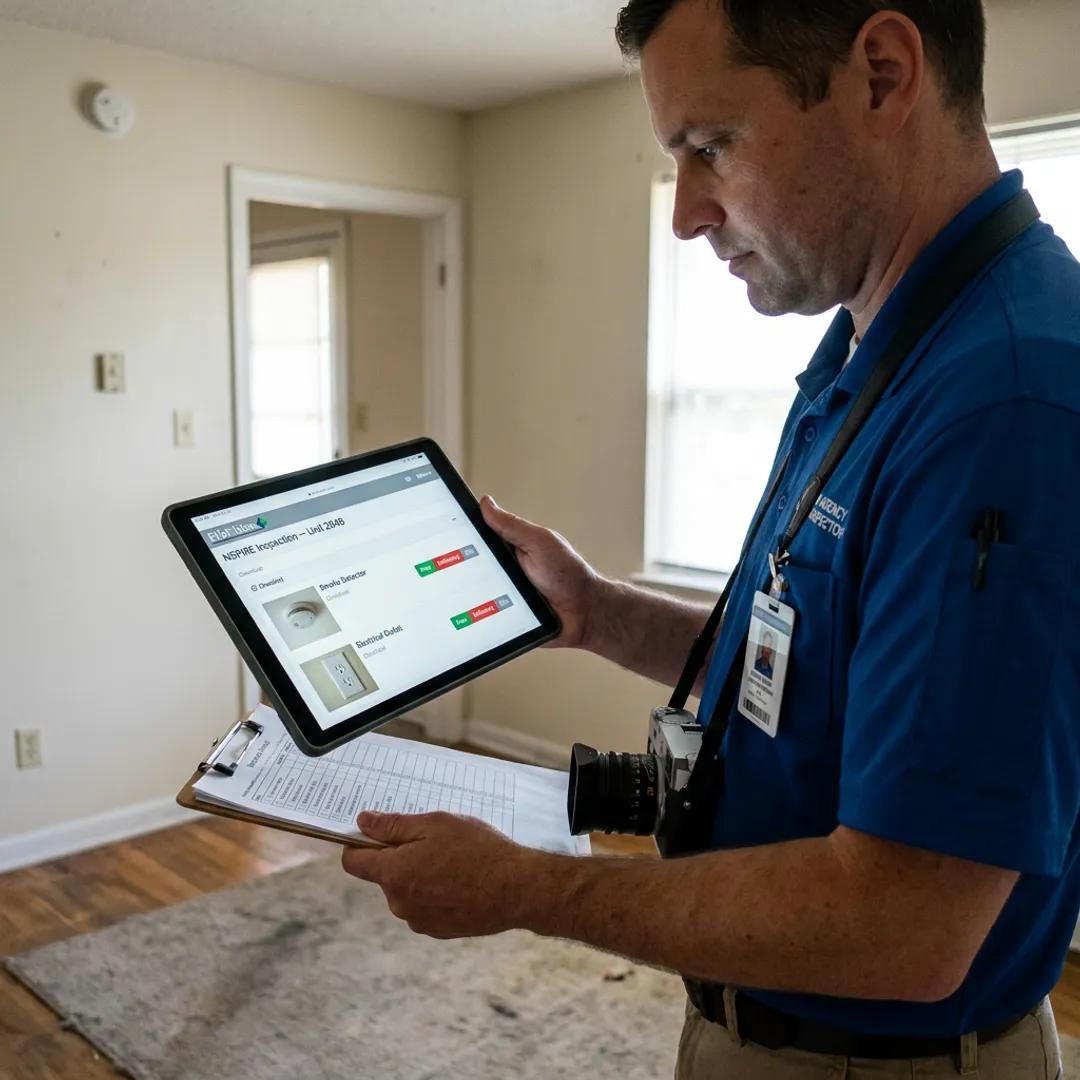
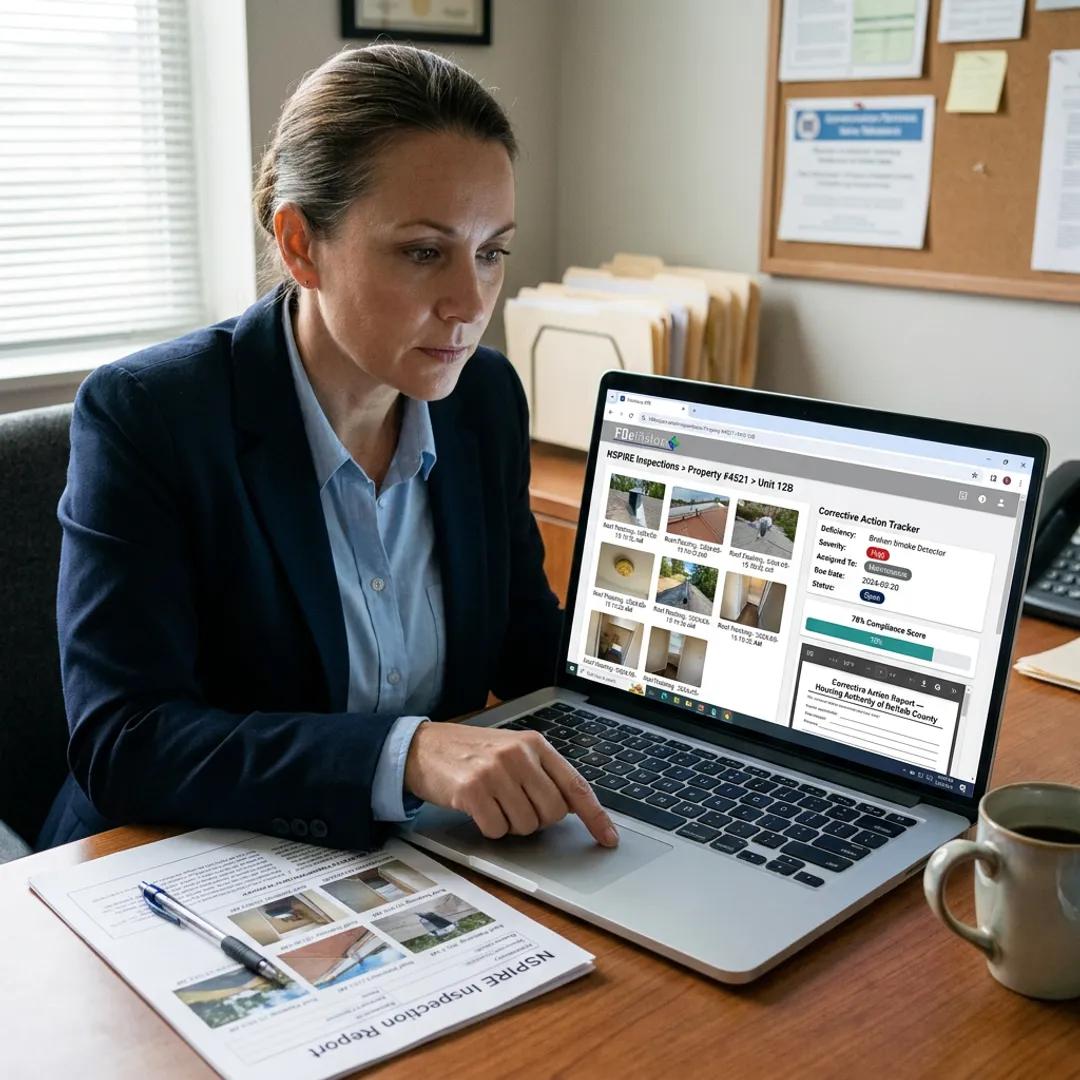
Request a demoNSPIRE Inspection Evidence
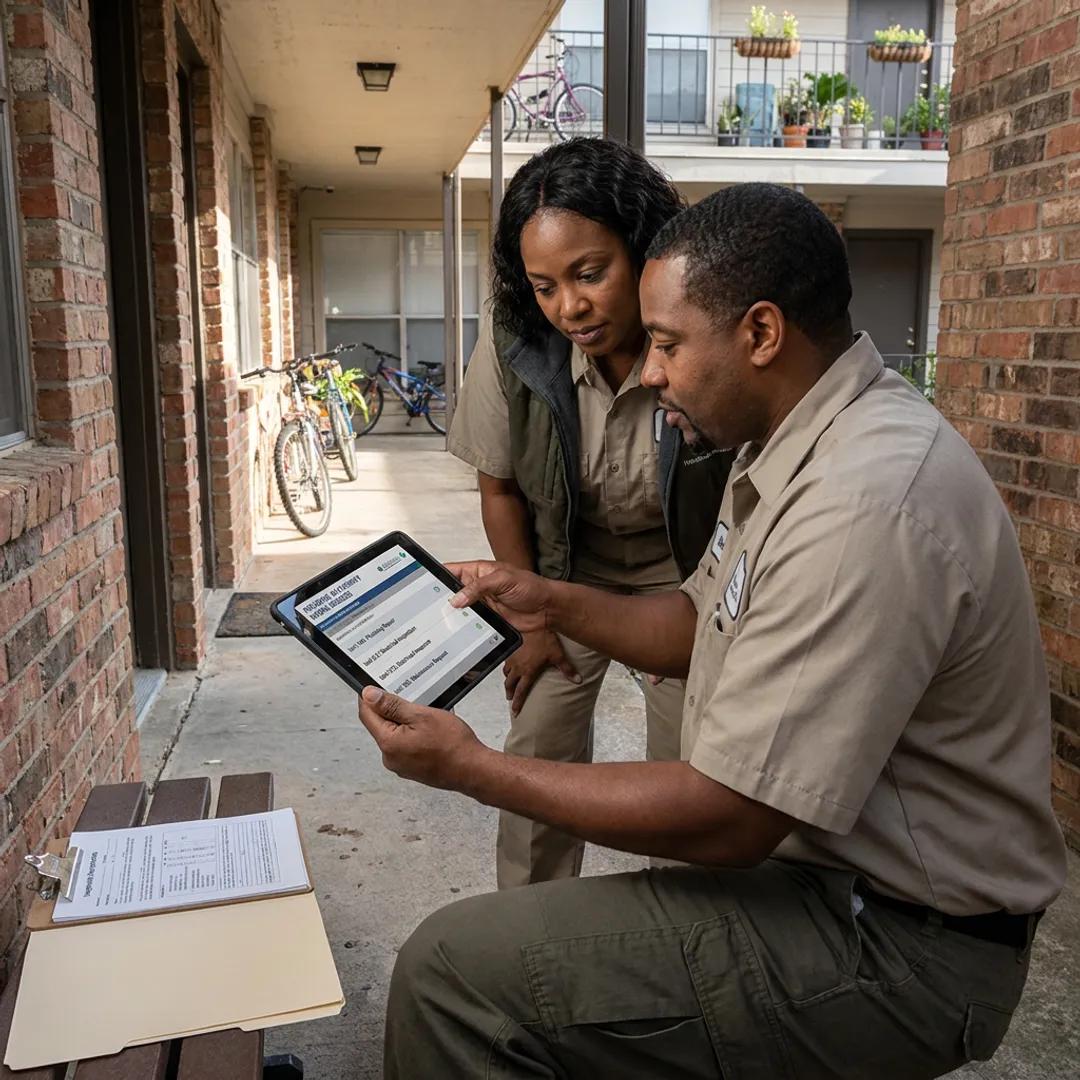
Reports, photographs, work orders and corrective-action tracking for every unit inspected under NSPIRE.
Request a demo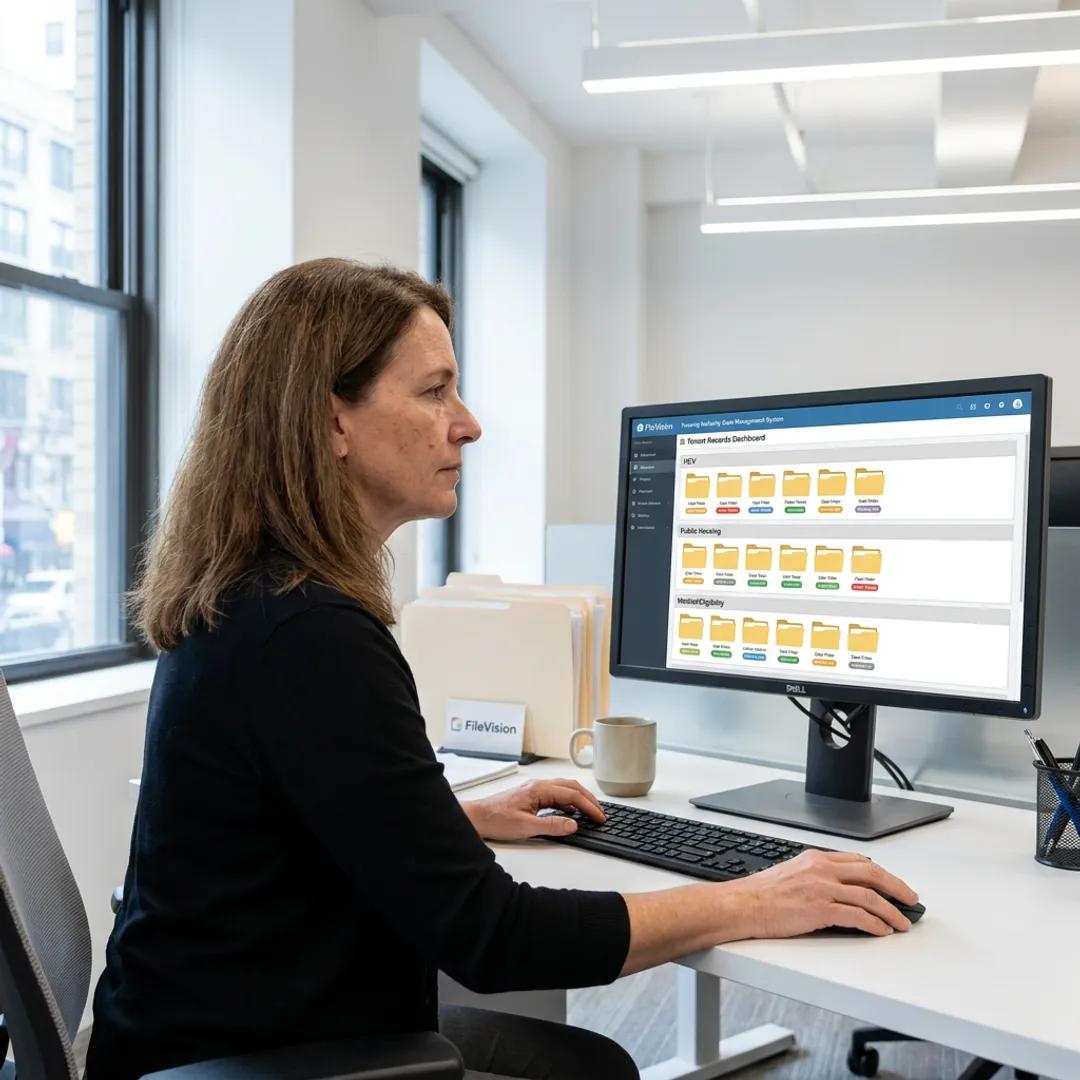
Every household file mirrors the housing lifecycle.
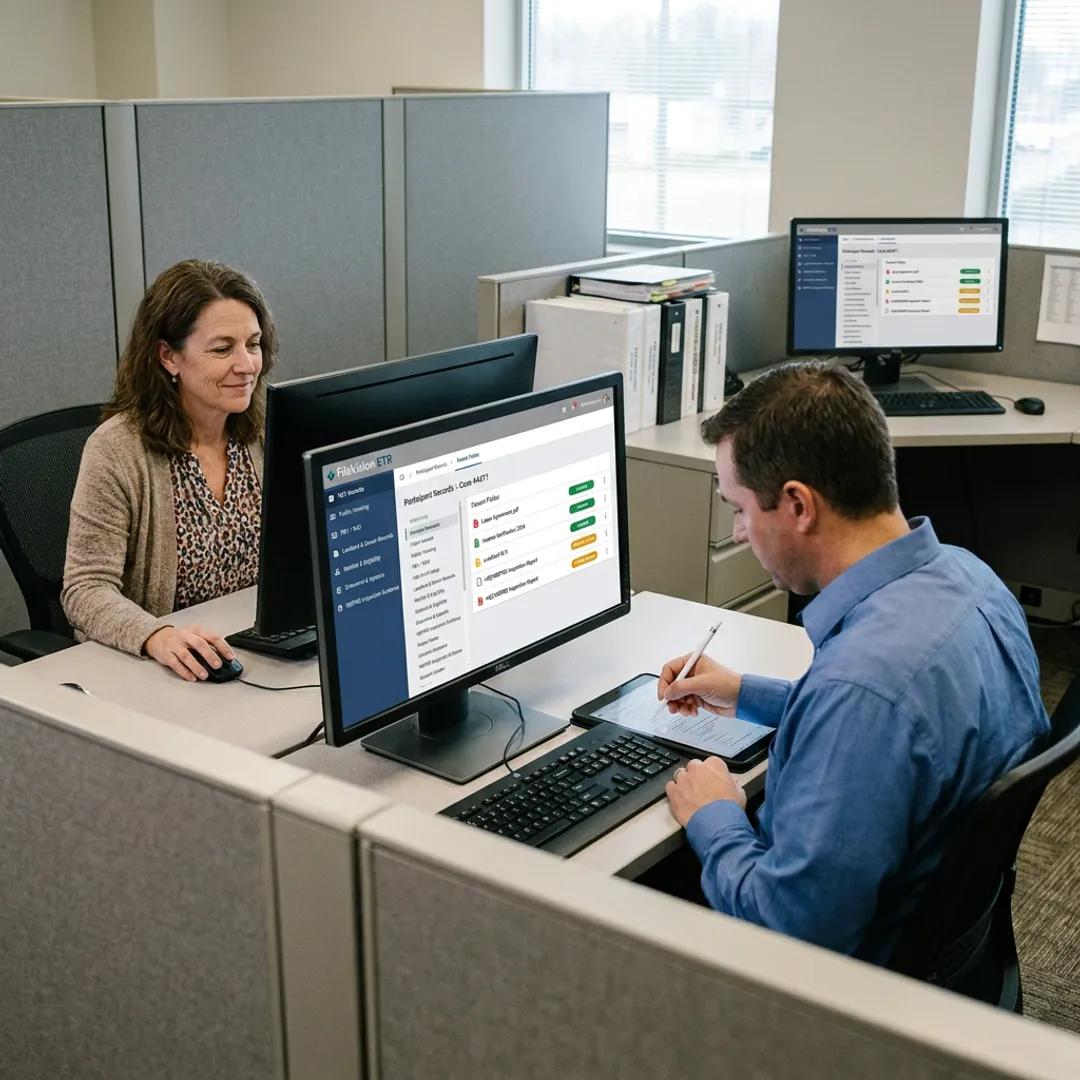
Application, briefing, lease-up, annual recertification, interim change, inspection, grievance, move-out. Each event has its own transaction in the file, with checklists, forms, evidence and approvals stored together.
When a HUD monitor asks for the paper trail behind a decision, staff open one household file, click the transaction and hand over the whole record.
- Structured lifecycle events per household file
- Checklists tie evidence to each transaction
- Missing-document flags surface incomplete files before deadlines
What sits on the dashboard when staff log in.

Dashboard and Noticeboard
The staff home screen: assigned files, upcoming deadlines, compliance status and organization-wide notices in one view.
Checklist-driven completeness
Configurable checklists per transaction so every household file is measured complete against the same rules.
Electronic signatures
Signed forms and acknowledgments captured directly into the household file, with a full audit trail on every signature.
Audit trails and version history
Every action, edit and approval logged. Answer who saw what, when and why during any HUD monitoring visit.
OCR and enterprise search
Full-text and metadata search across every file, letter, form and evidence photo in the system.
"The record keeping system is easy to navigate and adds quality control."
Before you request a demo.
Bring your own file. See it in ETR.
Send a redacted household file and we will walk through it in a live 30-minute session.