
The invoice that stops waiting in someone's inbox.
InvoPay captures invoices the moment they arrive, extracts the data with OCR, and routes each one for approval by department, amount, or account, so nothing sits unopened while a payment deadline passes.

Built for the accounts payable work a housing authority actually does.
InvoPay is an accounts payable automation platform for housing authorities and community development agencies. It captures invoices from email or upload, applies OCR-assisted data extraction, routes each invoice for approval, and keeps supporting documents and audit history connected to every transaction. Deploy in the cloud, hybrid, or on-premises.
Two stages, one connected invoice workflow.
Invoice Capture and OCR
Invoices arrive by email or upload and are read with OCR-assisted extraction the moment they land, before a due date is at risk.
- Email and upload intake
- Vendor, amount and account extraction
Approval Routing and Exceptions
Each invoice routes to the right approver by department, amount, or account, with reminders and exception handling so nothing stalls in one inbox.
- Routing rules by department or amount
- Reminders and exception flags
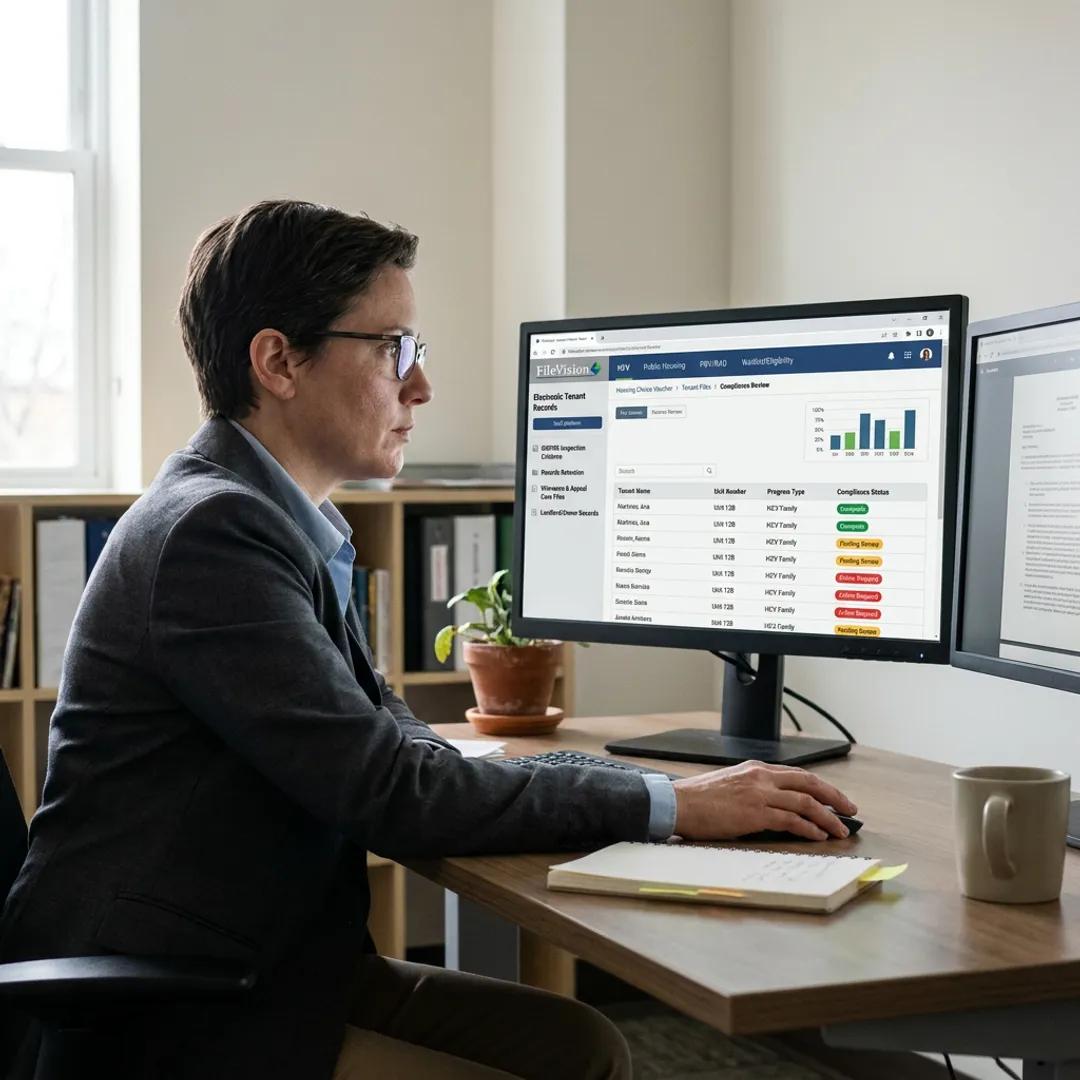
Every invoice tied back to the contract that authorized it.
An invoice without its contract is half a record. InvoPay keeps supporting documents, purchase details, and approval history attached to each transaction, so a finance officer or auditor can see the invoice and the agreement behind it together.
For housing authorities that also manage vendor agreements, task orders, and renewal terms, Contract Lifecycle Management extends this connection upstream, keeping the agreement itself, not just the invoice, under version control and renewal tracking.
- Supporting documents and audit history connected to every invoice
- Integration with the financial systems housing authorities already use
- Contract Lifecycle Management available as an adjacent finance workflow
The accounts payable steps between a vendor's email and a paid invoice.
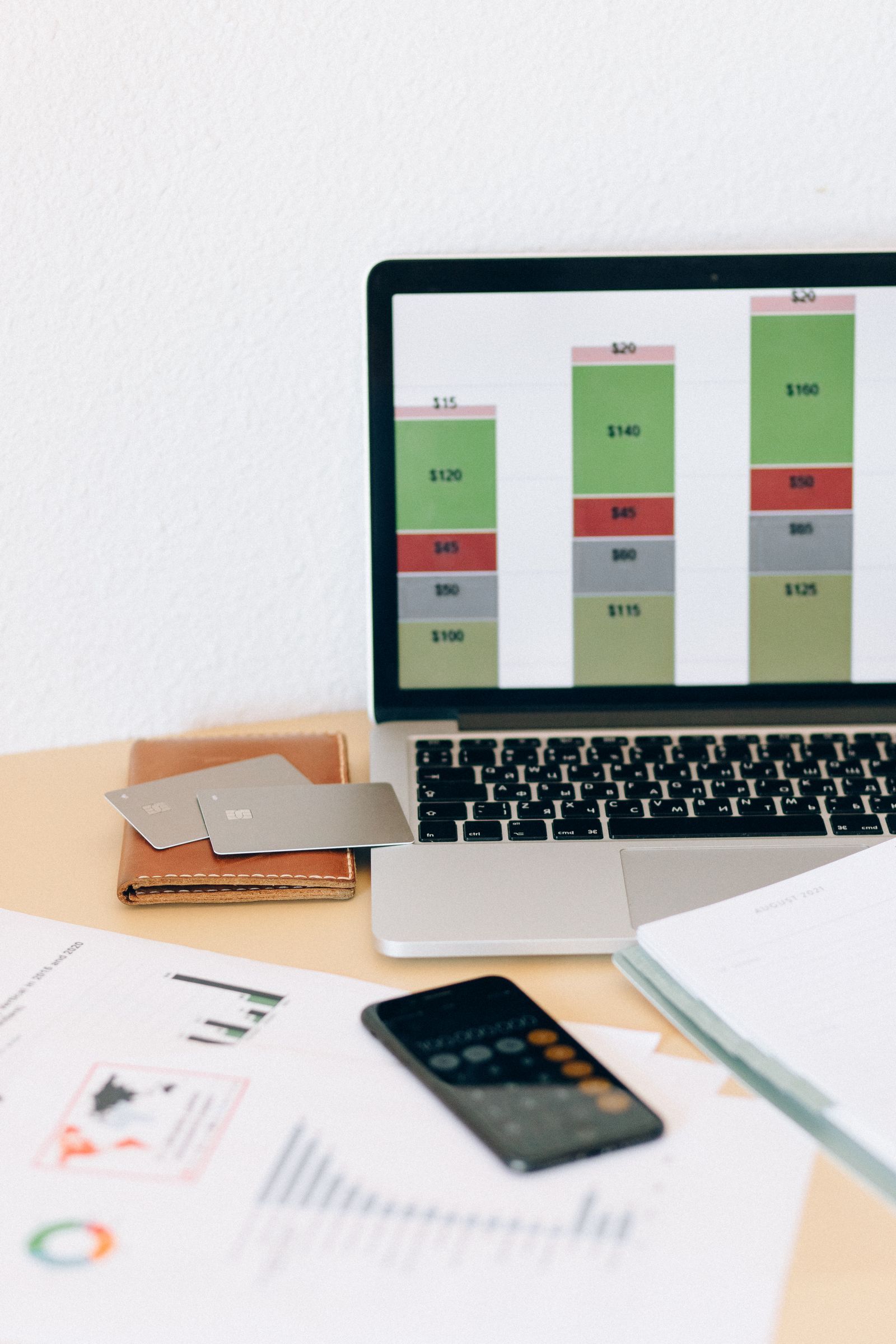
Email and upload intake
Invoices are captured from a shared inbox or manual upload, with no separate portal for vendors to learn.
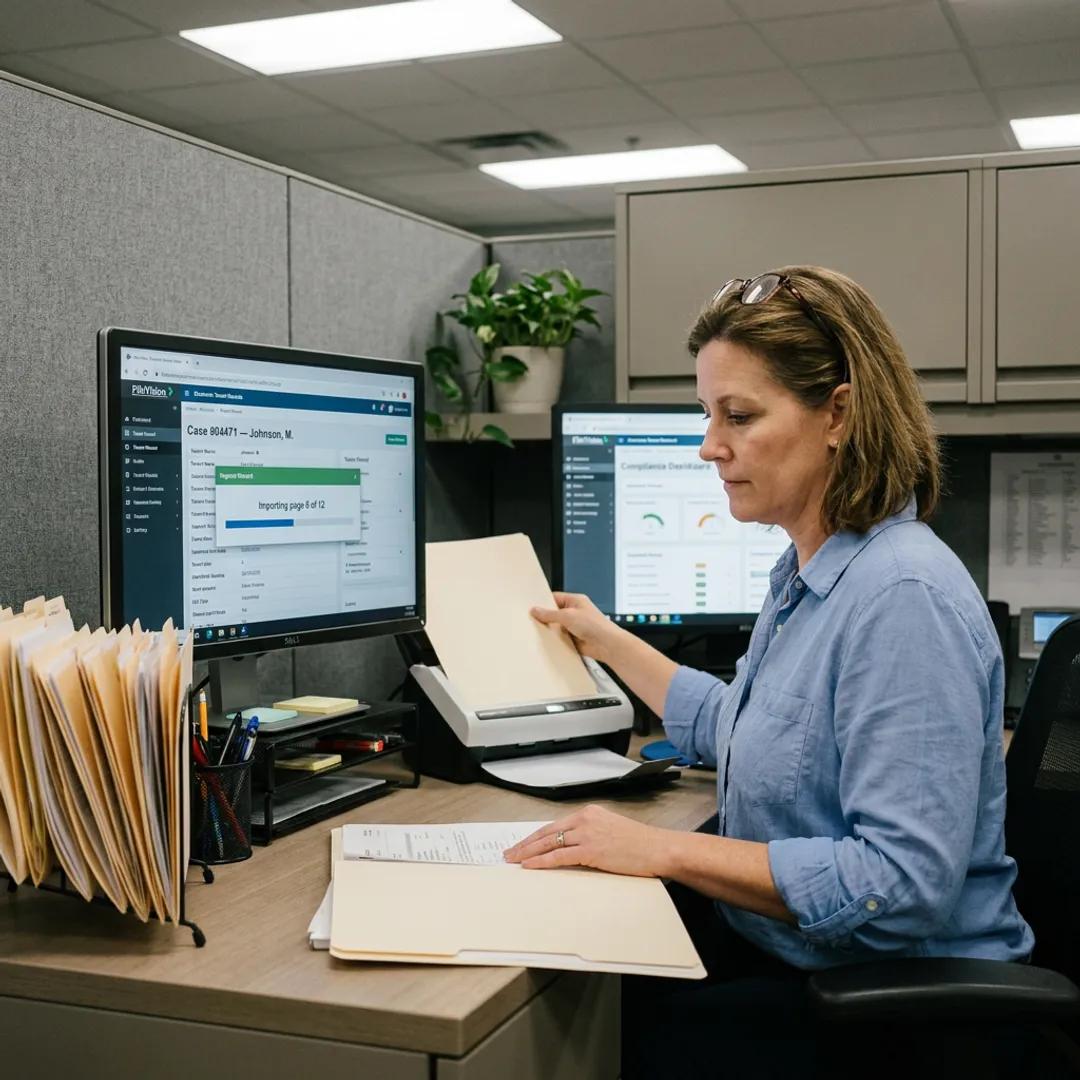
OCR-assisted data extraction
Vendor, amount, invoice number and account codes are pulled from the document for staff to confirm.
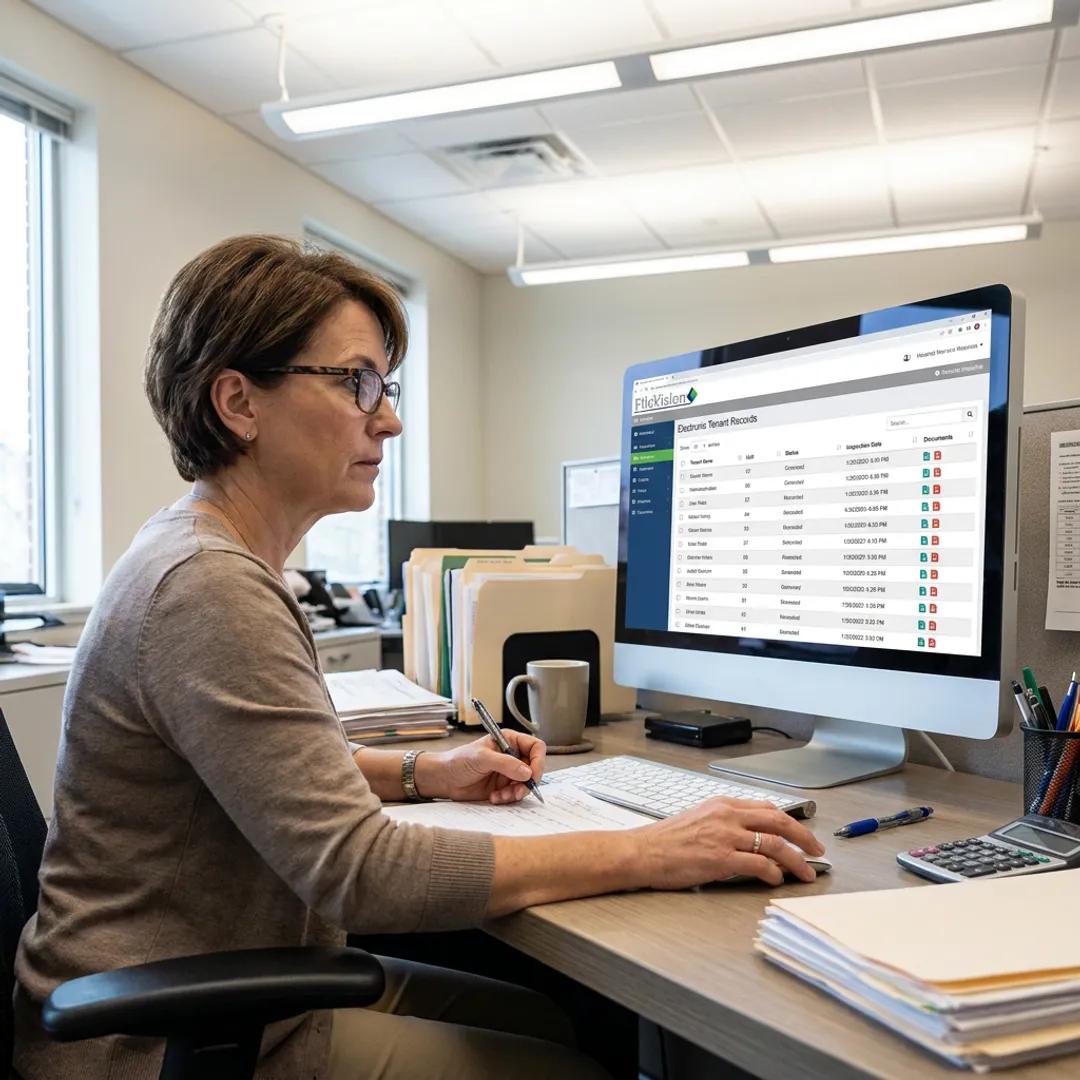
Routing by department, amount or account
Invoices move to the approver a rule identifies, not whoever happens to be free that day.

Integration with financial systems
InvoPay connects with the financial systems a housing authority already runs, instead of a second ledger.
Approval reminders and exception handling
Reminders escalate stalled approvals, and exceptions are flagged for review instead of sitting silently in a queue.
Before you request a demo.
See InvoPay against your own invoice queue.
A short walkthrough of capture, routing, and approval, using an example invoice from your housing authority.