
Invoices captured the moment they arrive, not when someone opens email.
Invoice capture and OCR software that reads every invoice the moment it lands in a shared inbox or upload folder, before a due date is ever at risk.
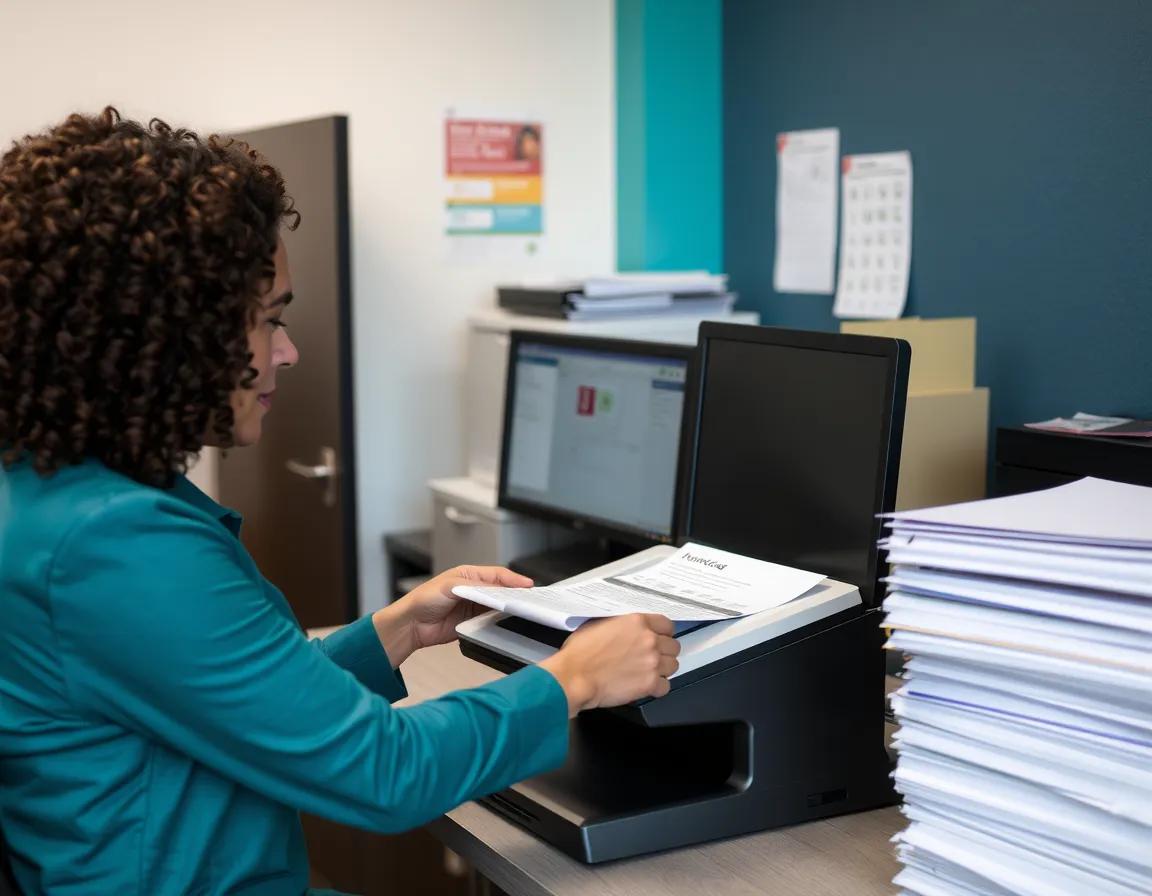
From inbox to structured record, without a manual retype.
Housing authority accounts payable teams lose time the same way every month: an invoice sits in a shared inbox until someone opens it, prints it, and retypes the vendor, amount and account code into a spreadsheet or financial system. InvoPay's invoice capture and OCR software removes the delay at the point of intake.
How capture works
- Invoices captured directly from a monitored email inbox
- Manual upload for invoices received by mail or hand delivered
- OCR-assisted extraction of vendor, invoice number, amount and account codes
- Extracted data presented for staff confirmation before it moves forward
Because capture happens the moment an invoice arrives rather than when someone gets to it, the clock on a payment deadline starts running against an accurate record, not a stack of paper.
What happens after capture
Once an invoice is captured and its data confirmed, it moves into approval routing by department, amount or account, covered in Approval Routing and Exceptions.
The rest of the invoice workflow.
Before you request a demo.
Send us a sample invoice.
We will walk through capture and OCR extraction on an invoice from your own housing authority.