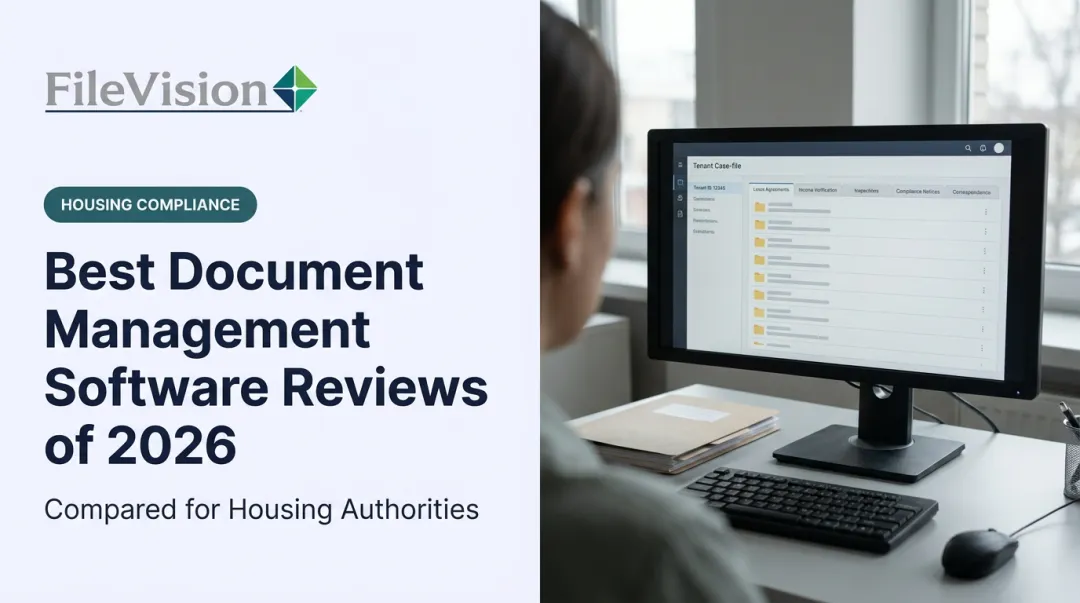
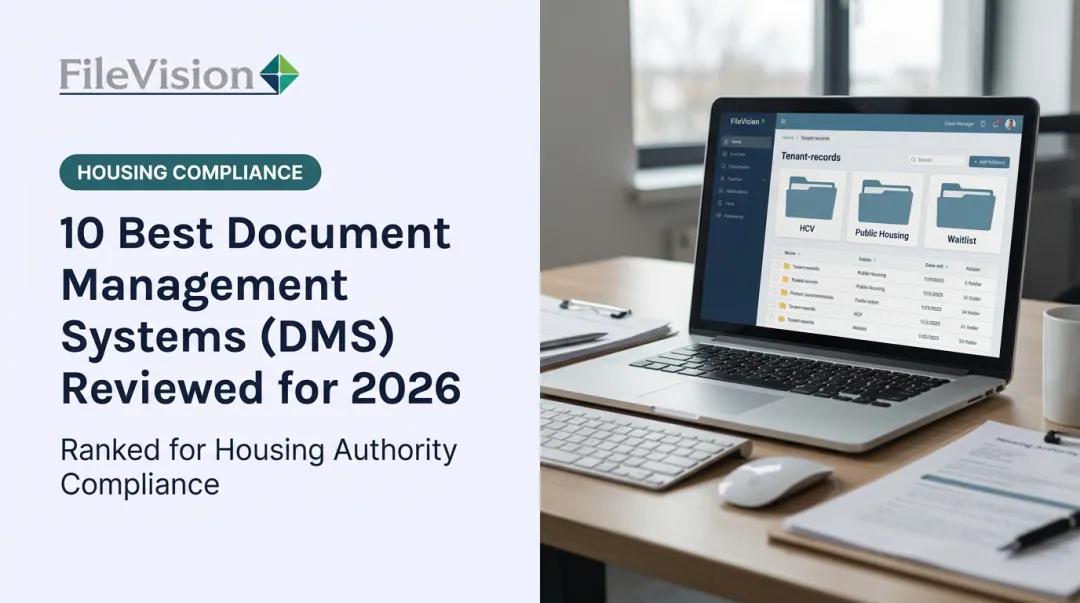
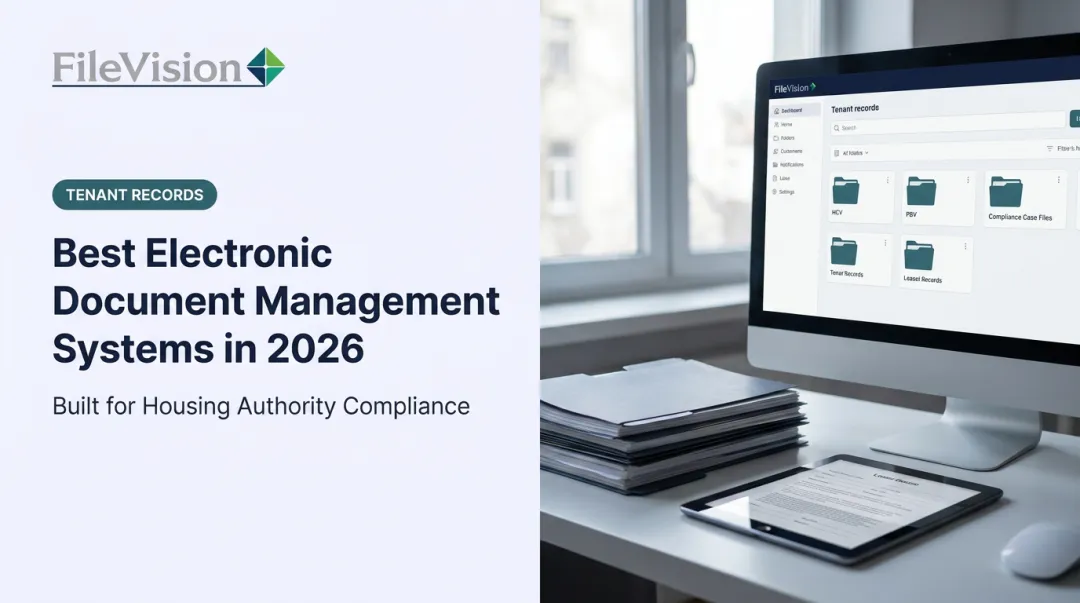
Cloud document management systems (DMS) solve a real problem: teams need secure, searchable access to files from anywhere, without a server closet or a filing room. That's especially true in compliance-heavy sectors like healthcare, finance, and public housing, where a missing document can mean a failed audit.
The market reflects this shift. The global cloud enterprise content management market is valued at $21.94 billion in 2025 and is projected to reach $62.4 billion by 2033, growing at a 14.1% CAGR, according to Grand View Research. This guide breaks down the top five cloud DMS platforms for 2026, so you can pick the right fit for your organization's size, industry, and compliance load.
Key Takeaways
- Cloud DMS platforms replace on-premise servers with anytime, anywhere document access.
- The strongest options pair security and automation with real integrations, not just storage.
- Compliance requirements and scalability outweigh brand recognition, especially for regulated industries facing strict audit and reporting demands.
- This guide covers five leading 2026 options, including one built specifically for HUD-regulated housing authorities.
Overview of Cloud Document Management Systems in 2026
A cloud DMS stores, organizes, and manages documents on remote servers instead of local hardware, giving teams instant access from any device with an internet connection.
Organizations are abandoning paper files and aging on-premise systems in favor of centralized, cloud-based records. Regulated sectors, including government agencies, housing authorities, healthcare providers, and financial institutions, struggle with manual filing errors and slow audit responses. These industries increasingly need auditable, compliant digital record-keeping rather than filing cabinets.
Several forces are driving adoption:
- Remote and hybrid work has made centralized, browser-based access a baseline requirement rather than a nice-to-have.
- Regulatory pressure is pushing agencies toward systems with built-in audit trails, retention controls, and role-based access.
- Cost and space savings are motivating organizations to convert paper archives and file rooms into usable office space.

The list below covers general-purpose platforms built for broad business use, plus one solution purpose-built for the compliance demands of public housing agencies.
Top Cloud Document Management Systems in 2026
We evaluated each platform on four criteria: reliability, security and compliance capability, ease of integration, and a proven track record across different organization types and sizes. Some platforms excel at general business collaboration. Others are built for a specific regulatory environment. Both approaches have a place, depending on what you're managing.
1. FileVision
FileVision is a global software solution provider headquartered in Atlanta, with additional offices across Europe, the Middle East, and Australasia. Since at least 2012, it has specialized in paperless document and tenant records management for housing authorities and community development agencies.
What sets it apart is specificity. FileVision's Electronic Tenant Records (ETR) platform stores files and links them directly to housing lifecycle events: Intake, Annual Recertification, and Interim Changes. Every document tied to a specific transaction is grouped and instantly retrievable, rather than scattered across generic folders.
A few features stand out:
- HMS integration that automatically imports tenant data (names, recertification dates, program enrollment) in real time, cutting duplicate entry and errors.
- The SEMAP module, which auto-calculates compliance scores per 24 CFR 985 and auto-generates the official HUD-52648 certification form.
- Automated checklists that flag missing documents before they become audit findings. This proactive approach catches gaps before an external auditor does.
- Role-based, read-only external auditor access, filterable by transaction type, so audits happen remotely without pulling physical files.
- A centralized Noticeboard and Dashboard for task oversight, complete with color-coded priority alerts and workload balancing across staff.

Housing authority customers have reported measurable results, including a 25% productivity gain after full implementation and staff generating audit and accounts reports within five minutes, according to internal customer feedback.
| Best For | Housing authorities, PHAs, and community development agencies needing HUD-compliant, audit-ready tenant records management |
| Key Features | ETR web-based platform, SEMAP compliance module, role-based external auditor access, centralized Noticeboard/Dashboard |
| Pricing | Custom quote, includes a 1-year warranty and Monday–Saturday support |
2. Box
Box is a widely used enterprise cloud content platform known for governance, secure collaboration, and long-term archival. It's a solid general-purpose choice for organizations that need strong file security without a housing- or industry-specific focus.
Differentiators include:
- Box Sign, a built-in e-signature tool included at no extra cost on Business plans and above, with unlimited signature requests.
- Metadata tagging, letting admins classify content with up to 100 templates per item for faster search and retrieval.
- Over 1,500 third-party app integrations, plus enterprise-grade AES-256 encryption and certifications including SOC 2 Type II, ISO 27001, and FedRAMP High.
| Best For | Content organization, governance, and archival for mid-size to large enterprises |
| Key Features | Workflow automation, metadata search, Box Sign, 1,500+ app integrations |
| Pricing | Business: $15/user/month (billed annually); Business Plus: $25/user/month; Enterprise: $35/user/month |
3. DocuWare
DocuWare is a cloud-based document management and workflow automation platform built for digitizing paper-heavy business processes such as invoice processing, HR files, and contract approvals.
Its standout capability is Intelligent Indexing, an AI-powered tool that identifies key information in a document and converts it into structured, searchable data automatically. Combine that with automated capture from scanners and email, and paper stops piling up.
Integration is another strength:
- Connects natively with over 500 applications, including Microsoft Dynamics, SAP, QuickBooks, and Outlook.
- iPaaS connectors extend reach to 1,000+ cloud applications.
- Holds SOC 2 Type 2 and ISO 27001 certifications, with AES-256 encryption at rest.
| Best For | Businesses automating document-driven workflows and transitioning from paper to digital |
| Key Features | Intelligent Indexing, digital signatures, workflow automation, compliance/audit tracking |
| Pricing | Custom, quote-based; functional pricing scales with features and organization size |
4. M-Files
M-Files takes a different approach entirely. Instead of organizing files by folder location, it uses a metadata-driven architecture that classifies documents by what they are: a contract, an invoice, a policy, regardless of where they sit.
Its AI engine, M-Files Aino, extracts metadata and classifies documents with permission-aware context, speeding up retrieval for teams drowning in inconsistent folder structures.
Other notable capabilities:
- Automated workflows that file, route, approve, and apply policies based on document context.
- Deep Microsoft 365 integration, spanning Teams, Outlook, SharePoint, and Copilot.
- Native Salesforce integration, linking documents directly to CRM records.
- ISO/IEC 27001:2022 and SOC 2 certifications for compliance-heavy teams.
| Best For | Organizations prioritizing workflow automation and intelligent, metadata-based retrieval |
| Key Features | AI classification, audit trails, Microsoft 365/Salesforce integrations |
| Pricing | Essentials: $65/seat/month; Enterprise: custom pricing based on scale and compliance needs |
5. Microsoft SharePoint
For organizations already living inside Microsoft 365, SharePoint is the natural extension into document management. It functions as both an intranet and a content repository, with document libraries that support co-authoring, activity tracking, and retention policies.
The biggest draw is ecosystem integration:
- Files shared in Teams channels land automatically in that team's SharePoint folder.
- One-to-one Teams chats store shared files in the sender's OneDrive for Business.
- Retention policies and labels can be applied directly to SharePoint and OneDrive content for compliance-driven record-keeping.
- Backed by ISO 27001 and SOC 2 Type 2 certifications, with AES-256 encryption at rest and TLS in transit.
| Best For | Enterprises already invested in the Microsoft ecosystem needing centralized content governance |
| Key Features | Document libraries, retention policies, Teams/OneDrive integration, custom site-building |
| Pricing | Business Basic: $7/user/month; Business Standard: $14/user/month (billed annually, effective July 2026) |
How We Chose the Best Cloud Document Management Systems
The most common mistake organizations make is picking a DMS based on brand recognition or sticker price, then discovering months later it can't handle their compliance requirements or specific workflows.
We evaluated platforms using the framework outlined by TechTarget's content management selection guide. This framework weighs security and compliance certifications, integration fit, and total cost of ownership over a three-to-five-year window, not just the sticker price.
Here's what we prioritized, and why each factor matters:
- Security and compliance certifications (SOC 2, ISO 27001, encryption standards) support audit-readiness, especially for regulated sectors.
- Integration capability with existing CRM, ERP, or HR systems drives faster adoption and less duplicate data entry.
- Ease of use determines how quickly staff actually adopt the system instead of reverting to old habits.
- Support quality and responsiveness affects how fast issues get resolved when something breaks mid-audit.
- Value for money, measured against total cost of ownership, not just the monthly per-user fee.

Conclusion
There's no single "best" cloud DMS. The right choice depends on matching platform capabilities to your operational goals and regulatory requirements, not chasing market popularity.
Before committing, weigh these factors:
- Confirm scalability keeps pace as your document volume grows
- Test support responsiveness before you commit, not after something breaks
- Calculate total cost of ownership against your actual budget
This matters most in compliance-heavy sectors, where the wrong fit shows up as audit findings, not just inconvenience.
For housing authorities and public housing agencies specifically, generic platforms can store files, but they can't track HUD-52648 certification requirements, flag missing documents against program-specific mandates, or maintain audit-ready records across HCV, public housing, and PBV/RAD files. FileVision's purpose-built ETR platform offers a more targeted path to compliance and efficiency than a one-size-fits-all cloud DMS.
Frequently Asked Questions
What is a cloud document management system?
A cloud DMS is a platform for storing, organizing, and accessing documents remotely over the internet, rather than on local servers. Files stay accessible from any device, without on-premise hardware maintenance.
What is the difference between cloud-based and on-premise document management systems?
Cloud systems trade upfront hardware costs and IT maintenance for subscription fees and remote accessibility. On-premise systems offer more direct control over infrastructure but require in-house servers, backups, and dedicated IT staff.
How much does a cloud document management system typically cost?
Entry-level platforms range from $5.75 to $27+ per user per month, according to Capterra's 2026 document management category guide. Enterprise-grade or industry-specific systems often move to custom quotes based on scale and features.
Is cloud document management secure enough for regulated industries like government or housing authorities?
Reputable cloud DMS platforms use encryption, role-based access, and audit trails to meet security standards. Specialized platforms like FileVision go further, building compliance frameworks such as SEMAP (HUD's housing authority performance scoring) directly into the system.
Can a cloud DMS integrate with existing business software?
Yes. Most modern cloud DMS platforms integrate with CRM, HMS, ERP, and productivity suites like Microsoft 365, reducing duplicate data entry and keeping records synchronized in real time.
What features should I prioritize when choosing a cloud DMS for a compliance-driven organization?
Prioritize audit trails, role-based access controls, automated compliance reporting, and industry-specific workflow support. Generic storage features matter far less than whether the system understands your regulatory environment.