Introduction
Filing cabinets are disappearing from housing authorities, hospitals, banks, and government offices across the country. In their place: searchable digital archives that can produce a decade-old tenant file in seconds.
The shift isn't cosmetic. Grand View Research values the global document management system market at $7.6 billion in 2024, with projections putting it at $9.9 billion by 2026 and $18.1 billion by 2030.
That growth reflects a shift in expectations: document archiving software now goes well beyond dumping files into a folder. Done right, it enables compliance, security, audit readiness, and instant searchability for records that regulators require you to keep for years, sometimes decades.
This guide breaks down the top document archiving platforms of 2026, how to evaluate them, and what separates general-purpose tools from industry-specific solutions built for regulated sectors.
TL;DR
- Document archiving delivers a structured, searchable, compliant system for long-term storage — distinct from everyday file storage
- Evaluate vendors on security/encryption, compliance certifications, automation depth, and industry fit
- Top picks: FileVision (best for housing authorities), DocuWare, M-Files, FileHold, and Doxis
- Free tools often lack the automation, audit trails, and compliance controls regulated industries need
Overview of Document Archiving Software in the US Market
Document archiving software systematically stores, indexes, and secures documents for long-term retention and retrieval. That's a different job than a generic cloud drive, which is built for convenience, not compliance or lifecycle governance.
Regulatory pressure is driving adoption. US organizations must navigate:
- HIPAA : requires 6 years of Security Rule documentation retention under 45 CFR 164.316, even though medical record retention itself falls under state law
- HUD compliance : separate disposition schedules govern public housing records versus financial records, per HUD's records handbook
- Sarbanes-Oxley : requires audit firms to retain workpapers for 7 years after an audit concludes
- FADGI : sets federal digitization benchmarks for image quality and testing

Beyond compliance, there's a productivity case. In an AIIM survey on paper-heavy processes, respondents estimated that eliminating paper would boost process-staff productivity by an average of 29.7%. That's a self-reported estimate, not a lab measurement, but it lines up with what agencies report after going digital.
The platforms below represent the leading document archiving software serving US businesses and public sector agencies heading into 2026.
Top Document Archiving Software of 2026
We evaluated each platform on four criteria: security and compliance depth, automation capability, industry specialization, and proven customer track record.
FileVision
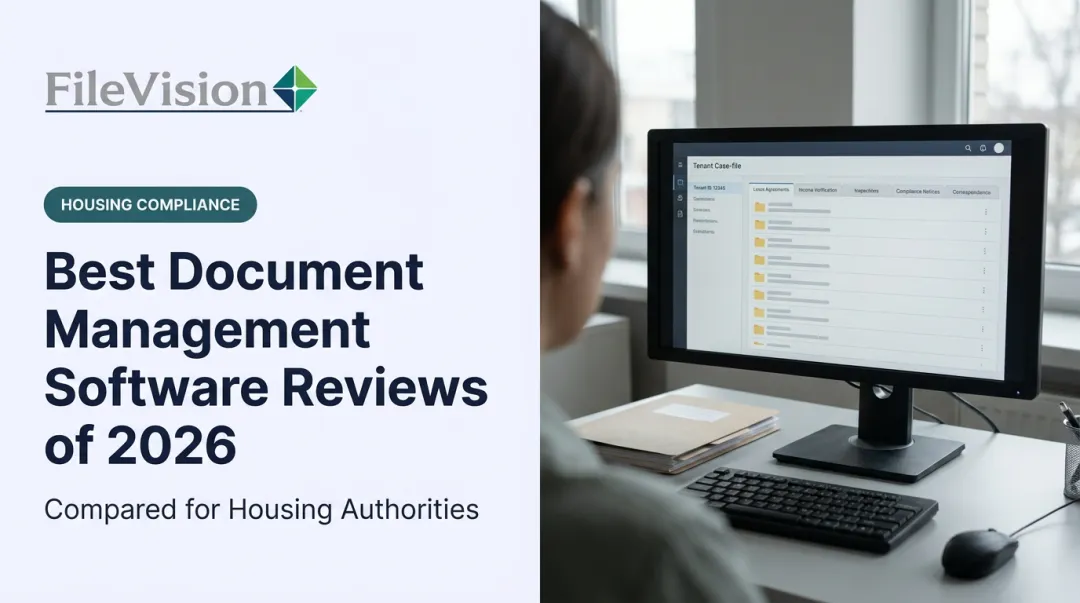
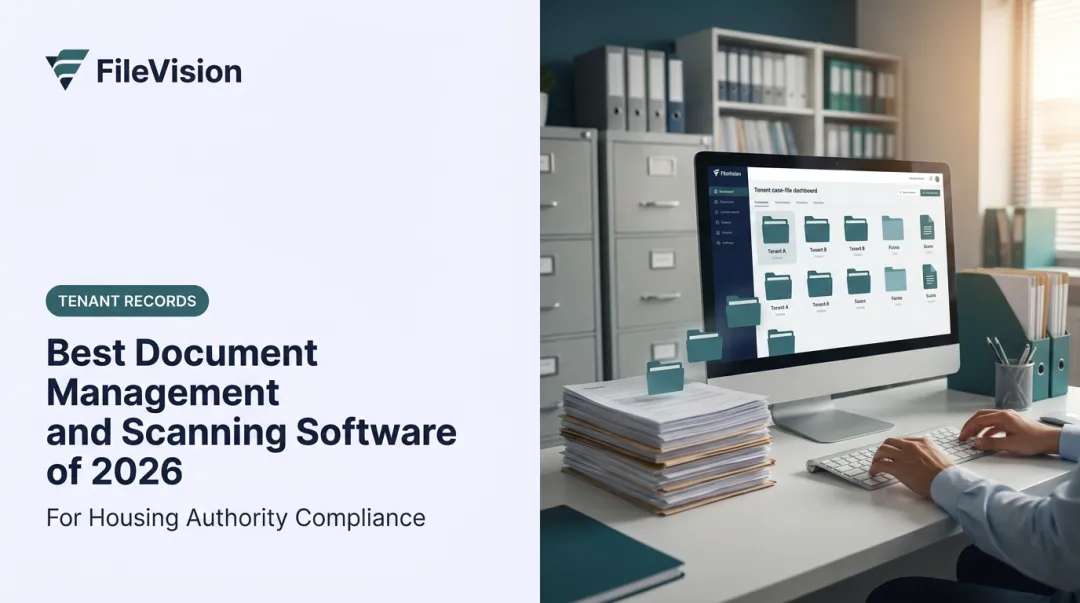
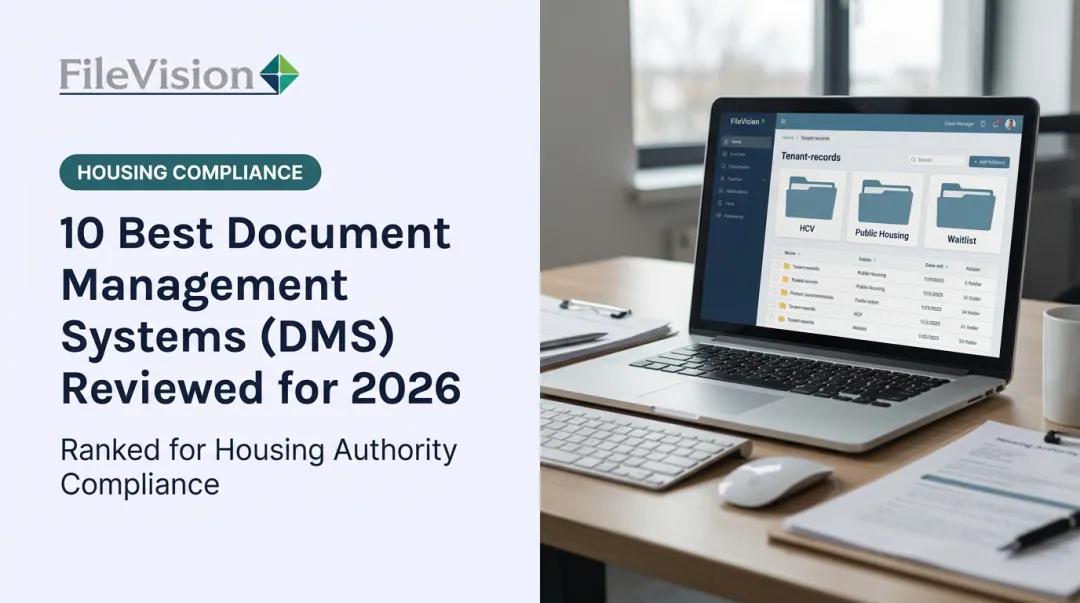
FileVision is a global software solution provider headquartered in Atlanta, Georgia, with offices across Europe, the Middle East, and Australasia. Housing authority clients began digitizing manual processes with the platform in the early 2010s. Since then, FileVision has built a purpose-built Electronic Tenant Records (ETR) system for housing authorities, community development agencies, and other paper-intensive regulated organizations.
What sets it apart from generic document management systems:
- Transaction-based archiving tied directly to core housing workflows (Intake, Annual Recertification, and Interim Changes) rather than generic folder structures
- The SEMAP module, which auto-calculates scores per 24 CFR 985 and auto-generates the HUD-52648 certification form
- Role-based external audit access, letting auditors review specific tenant files remotely without an on-site visit
One housing authority avoided roughly $25,000 in flooring reinforcement by converting an overcrowded file room into a conference room after implementation. Another reported generating full audit and accounts reports in under 5 minutes, down from what used to take days.
| Category | Details |
|---|---|
| Best For | Housing authorities, community development agencies, and compliance-heavy public sector archiving |
| Key Features | Electronic Tenant Records (ETR), HMS integration, SEMAP compliance module, centralized Noticeboard/Dashboard |
| Support & Guarantee | Accredited DMS with 1-year warranty, Monday–Saturday support |

DocuWare
DocuWare is a cloud-based document management platform that pairs archiving with office automation, aiming for a fully digital workplace rather than just digital filing.
It stands out for its scalable cloud workflows and mobile support. Field staff can scan receipts, approve invoices, or route documents for signature from a phone. The platform scales from small teams (the vendor notes deployments with as few as 12 employees) up to enterprise-wide rollouts.
| Category | Details |
|---|---|
| Best For | Businesses wanting cloud-first archiving with workflow automation |
| Key Features | Cloud workflow builder, mobile scanning/approvals, full-text indexing |
| Pricing | Custom quote required; free trial available |
M-Files
M-Files is an intelligent document management system used across manufacturing, healthcare, and professional services firms, built around metadata-driven organization rather than nested folder trees.
Its standout feature: automatic duplicate detection combined with metadata-based retrieval. Instead of hunting through folder hierarchies, users search by what a document is (client name, contract type, expiration date) and M-Files surfaces it instantly. Integrations with Microsoft 365 and Salesforce mean documents stay attached to the workflows people already use.
| Category | Details |
|---|---|
| Best For | Enterprises needing automated organization and duplicate prevention |
| Key Features | Metadata-driven single vault, Microsoft/Salesforce integrations, document alerts |
| Pricing | Custom quote; free trial available |
FileHold
FileHold is an enterprise-grade archiving and records management platform built for regulated industries, including healthcare, government, and finance.
Its differentiator is built-in retention and disposition policy enforcement, paired with full audit trails and virtual folders that let teams aggregate records across the entire library without physically moving files. That combination matters most when auditors ask "prove nothing was altered."
| Category | Details |
|---|---|
| Best For | Mid-to-large regulated enterprises needing strict records retention |
| Key Features | Document scanning/OCR indexing, watched folders, 11 predefined security roles |
| Pricing | Custom quote; free trial and demo available |
Doxis
Doxis is a modular enterprise content platform combining intelligent document processing, workflow automation, and audit-proof archiving under one roof.
Its edge is AI-driven, multilingual document classification, capable of sorting more than 50 document types across Latin-alphabet languages, paired with a tamper-proof archive built on ISO 16175-2 and IDW PS 880 standards. That's a strong fit for international or multi-department organizations juggling high document volume.
| Category | Details |
|---|---|
| Best For | Large enterprises with multilingual, high-volume document workflows |
| Key Features | Audit-proof archiving, no-code app builder, SAP/Salesforce/Microsoft integrations |
| Pricing | Custom quote; free demo available |
How We Chose the Best Document Archiving Software
A common mistake in this category: picking a platform based on brand recognition instead of fit. A well-known generic DMS might handle basic filing fine but fall short the moment a HUD auditor or HIPAA compliance officer asks for specific controls.
We weighed four factors, each tied to a real business outcome:
- Security and encryption standards: reduces breach risk and supports audit defensibility
- Automation and OCR capability: cuts manual indexing time and reclaims staff hours for higher-value work
- Industry-specific compliance support: lowers audit risk by matching platform structure to sector regulations (HUD, HIPAA, SOX)
- Proven customer track record: signals whether a vendor can support your organization long-term, not just at contract signing

Standards bodies back this framework. ISO 15489-1 covers records governance and lifecycle policy, while ISO/TS 16175-2 guides software selection specifically for records management. NIST SP 800-53 adds auditable access and logging controls (AC-3, AU-12) that any serious archiving platform should support.
None of these standards prove a vendor's automation quality on their own. That distinction still requires product testing and real customer references.
Conclusion
There's no single "best" document archiving software. The right answer depends on whether your organization needs general-purpose archiving or industry-specific compliance support baked in from day one.
Before committing to any platform, evaluate:
- Scalability: Will it grow with your record volume and user count?
- Total cost of ownership: Includes implementation, training, and ongoing support fees
- Vendor support responsiveness: How fast do they answer when something breaks?
For general businesses, DocuWare or M-Files offer strong, flexible options. But if you're running a housing authority or another paper-intensive, compliance-driven agency, purpose-built archiving matters more than breadth of features. Organizations exploring that path can look at FileVision's ETR platform to see what going beyond paperless actually looks like in practice.
Frequently Asked Questions
What is the best document archiving software?
It depends on your use case. General businesses often prefer DocuWare or M-Files for their flexibility, while housing authorities and compliance-heavy agencies benefit most from purpose-built platforms like FileVision.
What are some free document archiving software options?
Free tiers exist, such as basic Google Drive storage or limited HubSpot document tracking, but they cap storage, users, or automation. These work for very small teams, not long-term compliant archiving.
Where should I store all my documents for archiving?
Use a structured digital archive within a dedicated document management system, not scattered cloud folders. Prioritize encrypted storage and searchable indexing to support reliable long-term retrieval.
How is document archiving different from regular document storage?
Storage is casual, everyday file-keeping. Archiving is a deliberate, structured system built for long-term retention, retrieval, and often regulatory compliance.
How long should businesses keep archived documents?
Retention periods vary by document type and regulation. The IRS generally recommends 3 to 7 years for tax records depending on circumstances, while HUD- and HIPAA-covered files follow separate schedules set by agency policy and state law.
Is document archiving software secure enough for sensitive records?
Reputable platforms use encryption, role-based permissions, and audit trails, making them far more secure than manual filing or ad hoc digital folders. Before choosing a vendor, confirm how they handle encryption at rest and access logging.