Document management and scanning software has moved past the "nice-to-have" category. It's now core infrastructure, the same way email or payroll systems are. Organizations that get it right see faster audits, tighter compliance, and real cost savings. That's true whether you're a five-person accounting firm or a housing authority managing thousands of tenant files under HUD oversight.
The global document management systems market is projected to hit $11.81 billion in 2026 and grow to $21.39 billion by 2031, according to Mordor Intelligence — a 12.61% annual growth rate. This guide breaks down the platforms worth your attention this year, and how to pick the right one.
Key Takeaways
- General-purpose platforms like DocuWare, Box, and Laserfiche fit most mid-size and enterprise businesses.
- Specialized systems like FileVision outperform generic DMS tools for regulated sectors like housing authorities.
- OCR accuracy, integration depth, and compliance features matter more than brand recognition.
- Pricing spans free tools to $15–$50+ per user monthly, plus custom enterprise quotes.
- Document volume and compliance needs should drive your decision, not feature lists.
Overview of Document Management and Scanning Software in 2026
Document management software (DMS) and scanning software solve two related but distinct problems.
DMS platforms store, organize, secure, and manage the lifecycle of digital files: version control, access permissions, and retention policies included. Scanning software captures physical paper and converts it into searchable digital text using optical character recognition (OCR).
Together, they form a full paperless workflow: scan it, index it, secure it, retrieve it.
Paper-dependent processes still dominate in healthcare, government, finance, and public housing. Recertification packets, intake forms, and invoices often start on paper, even when everything downstream is digital.
Remote and hybrid work has only intensified the pressure to fix this. Gallup's research on hybrid work found that six in ten remote-capable employees prefer hybrid arrangements, with roughly a third wanting fully remote setups.
Staff scattered across locations can't dig through a physical filing cabinet 200 miles away, so they need cloud-accessible records.
With dozens of platforms competing for attention, the next sections narrow the field to the tools that actually deliver on reliability, feature depth, and industry fit.
Key Features to Look for in Document Management and Scanning Software
Not every DMS is built the same, and the differences matter once you're managing thousands of records under audit scrutiny.
Security and Access Control
Compliance-heavy industries can't treat security as an afterthought. Look for:
- Role-based permissions that limit visibility to only what a user's job requires
- Encryption for data at rest and in transit
- Audit trails that log who accessed or modified a record, and when
This isn't optional for regulated organizations. HIPAA's technical safeguards rule (45 CFR 164.312) requires access controls and activity logging for any system handling protected health information. Public housing agencies face similar scrutiny under HUD and CFR 985 reporting requirements.
OCR and Intelligent Capture
Strong security controls only matter if the records behind them are usable. OCR quality determines whether your scanned archive is actually searchable or just a pile of static image files. Strong OCR tools should:
- Convert scanned paper into searchable, indexed text
- Handle multiple languages accurately
- Recognize handwriting, not just typed text
Google's Cloud Vision documentation notes that modern OCR engines detect both printed text and handwriting across various languages, though real-world accuracy still varies widely between vendors.
Integration and Workflow Automation
Clean, searchable records only go so far if the platform operates in isolation. A DMS that doesn't talk to your other systems creates more work, not less. Prioritize platforms with:
- Native connections to Microsoft 365, ERPs, or industry-specific databases, plus API access for custom integrations as your needs evolve
- Automated routing that eliminates duplicate data entry

Top Document Management and Scanning Software of 2026
We evaluated platforms on reliability, feature depth, industry specialization, scalability, and verified customer trust — not marketing copy. Here's how the leading options stack up.
DocuWare
Founded in 1988, DocuWare has spent decades refining cloud and on-premises document management for mid-to-large businesses. IKEA is among its documented enterprise customers.
The platform's standout feature is intelligent indexing paired with workflow automation that reduces manual document routing across departments. Invoices, contracts, and HR files move through approval chains without someone physically chasing signatures.
| Best For | Mid-to-large businesses needing automated workflows and compliance tracking |
| Key Features | Cloud/on-prem deployment, advanced OCR, eSignature, 500+ app integrations |
| Pricing | Free demo and 30-day trial; custom quote after consultation |
Box
Box launched in 2005 and now reports serving 97,000+ companies, including 68% of the Fortune 500. It's built around AI-driven content management with unlimited cloud storage, zero-trust security architecture, and governance controls for retention management. Box expanded its OCR capabilities in 2026, though scanned-PDF OCR is currently limited to Enterprise Advanced and Shield Pro plans.
| Best For | Enterprises needing scalable cloud storage and collaboration |
| Key Features | OCR (plan-dependent), eSignature, 1,500+ integrations, content governance |
| Pricing | Free plan available; Business plans start around $15/user/month |
Laserfiche
Laserfiche positions itself as an intelligent content platform rather than a basic file cabinet replacement. It's widely used across education, financial services, government, and healthcare, with a strong automation engine that eliminates repetitive manual tasks like onboarding paperwork and case management routing.
| Best For | Organizations automating document-heavy business processes |
| Key Features | Workflow automation, process analytics, compliance tracking |
| Pricing | Cloud Starter plans begin around $50/user/month |
M-Files
M-Files takes a different architectural approach: instead of forcing you to migrate everything into one repository, it uses a metadata-driven system that unifies data across your existing platforms. This makes it particularly attractive to SMEs that want flexible document retrieval without ripping out current infrastructure.
| Best For | SMEs wanting flexible, metadata-based document retrieval |
| Key Features | OCR extension, version control, workflow automation, access permissions |
| Pricing | Free 30-day trial; Essentials edition starts at $65/seat |
FileVision
Generic DMS platforms get retrofitted for government use. FileVision was built the other way around: specifically for housing authorities and community development agencies managing HUD-mandated tenant records.
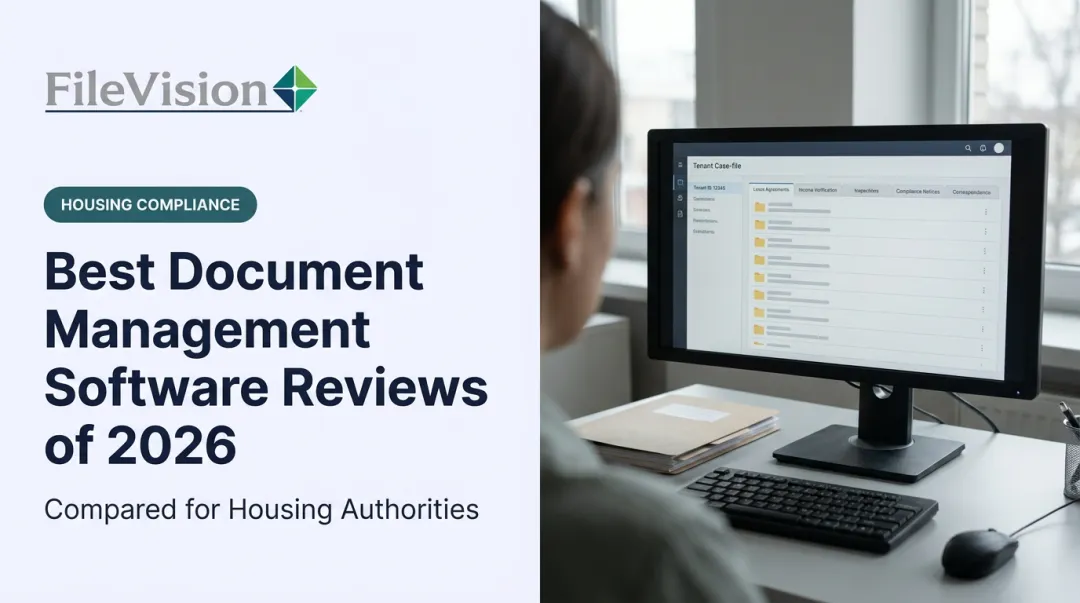
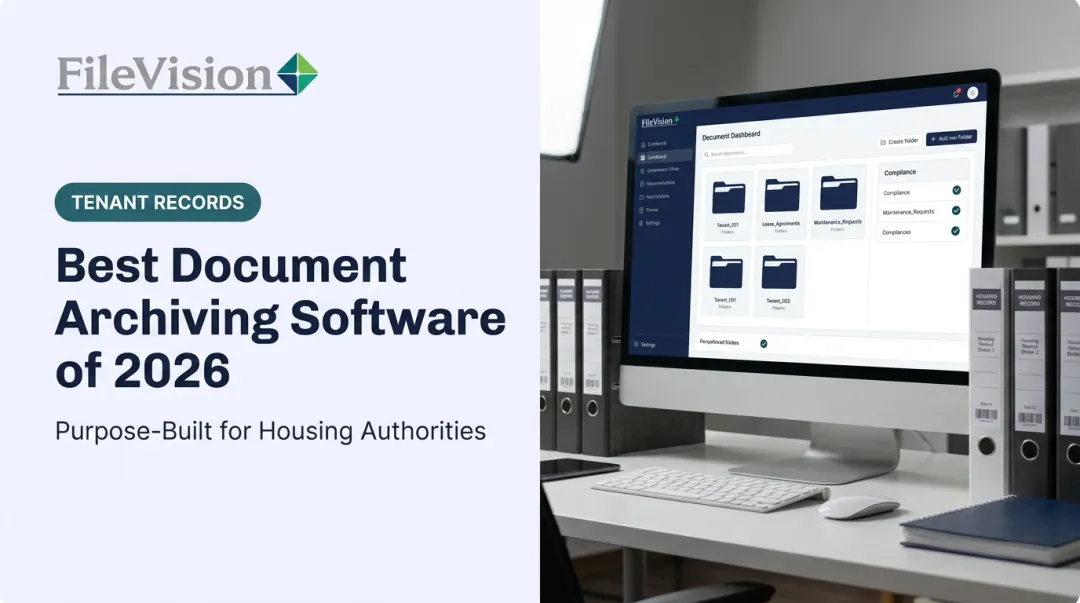
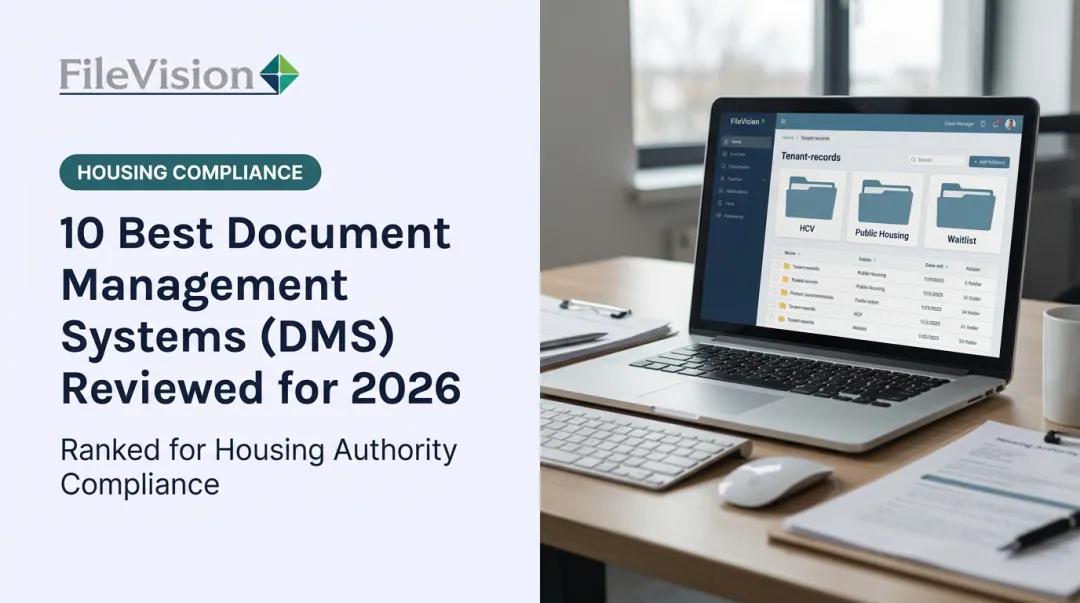
FileVision's Electronic Tenant Records (ETR) system links documents directly to core housing processes: Intake, Annual Recertification, and Interim Changes. Instead of a generic folder structure, staff work inside checklists that auto-update as documents get filed, flagging anything missing before it becomes a compliance problem.
The platform also integrates with most Housing Management Systems (HMS) to import recertification dates, assigned specialists, and program enrollment data in real time, eliminating duplicate entry.
The SEMAP module auto-calculates scores in accordance with CFR 985 and auto-fills the HUD-52648 certification form, tracking historical scores and overall performance ratings (High Performer, Standard, Troubled) across certification periods.
Customer feedback backs up the operational impact. One Housing Director reported a 25% productivity gain after implementation, while aggregated client data across FileVision's housing authority base points to gains as high as 34%. Users also describe converting former file rooms into break rooms once physical storage became unnecessary.

For external audits, FileVision grants auditors read-only, role-based access scoped to specific tenant records and transaction types. There's no need for on-site visits, and no risk of exposure to records outside the audit scope.
| Best For | Housing authorities, PHAs, and community development agencies needing HUD-compliant tenant records management |
| Key Features | ETR system, SEMAP compliance module, role-based external audit access, Noticeboard/Dashboard reporting with .csv export |
| Pricing | Accredited system with 1-year warranty; contact FileVision for a custom quote |
ABBYY FineReader
When OCR accuracy is the primary requirement, ABBYY FineReader remains the benchmark. It supports over 190 languages (the official spec lists 201 in the current version) and reconstructs complex layouts including multi-column text and tables, rather than just dumping recognized characters into a flat file.
| Best For | Teams needing highly accurate scan-to-text conversion across languages |
| Key Features | 190+ language OCR, editable Word/Excel output, searchable PDF creation |
| Pricing | Standard from $99/year or $16/month; Corporate from $165/year or $24/month |
How We Chose the Best Document Management and Scanning Software
We reviewed feature depth, industry specialization, integration capability, and security credentials. Then we checked those claims against verified customer feedback rather than taking vendor marketing at face value.
A common mistake buyers make: choosing software based purely on OCR quality or brand recognition, without checking whether it fits their actual document volume, compliance obligations, or downstream workflow needs. A platform with excellent OCR but no HUD-specific compliance tracking isn't a fit for a housing authority, no matter how accurate the text recognition is.
That's the kind of mismatch that erodes ROI. Three factors matter most beyond sticker price:
- Scalability: Can the platform grow with your record volume without a costly re-platform?
- Industry-specific compliance: Does it address HIPAA, GDPR, or HUD/CFR requirements out of the box, or will you need custom development?
- Integration depth: Does it sync in real time with existing systems, or require manual re-entry?

Pricing itself varies widely. Capterra's document management pricing report found monthly costs ranging from free tools to over $757 per month, depending on scale and feature depth. That range is a reminder that upfront license cost rarely tells the full story.
Conclusion
There's no universal "best" document management and scanning software. The right choice depends on aligning platform capabilities with your operational goals, compliance obligations, and document volume — not which vendor has the flashiest homepage.
Before committing, evaluate scalability, support responsiveness, and total cost of ownership, not just the license price you see in a sales deck. A cheaper platform that can't scale with your caseload, or that leaves you waiting days for support tickets, costs more in the long run.
For general businesses, several established platforms bring genuine strengths depending on your size and workflow complexity:
- DocuWare
- Box
- Laserfiche
- M-Files
But if you're a housing authority or community development agency navigating SEMAP certifications, HUD audits, and HMS integrations, a generic platform will always require workarounds that a purpose-built system doesn't.
FileVision was built specifically for that world. If you're evaluating options for tenant records management, reach out for a demo and see how a housing-specific ETR system compares to retrofitting a general-purpose tool.
Frequently Asked Questions
What is the best software for document management?
It depends on your organization. General-purpose platforms like DocuWare, Box, and Laserfiche suit most businesses well. Specialized systems like FileVision work better for regulated sectors such as housing authorities.
Does Office 365 have a document management system?
Microsoft 365 offers document storage and collaboration through SharePoint and OneDrive, which function as a basic DMS. They lack the deeper compliance tracking, workflow automation, and industry-specific features found in dedicated platforms.
What software is used to scan and organize documents?
Mobile apps like Adobe Scan handle basic scanning and searchable PDF creation. Dedicated DMS platforms and OCR tools like ABBYY FineReader combine scanning with indexing and organization for full searchable retrieval.
What is the difference between document management software and document scanning software?
Scanning software converts paper into digital files using OCR. Document management software stores, organizes, secures, and manages the full lifecycle of those digital documents afterward.
How much does document management software cost?
Pricing ranges from free or open-source tools for individuals to $15–$50+ per user monthly for cloud platforms. Enterprise and specialized solutions, like FileVision's ETR system, typically require a custom quote.
Can small businesses benefit from document management software as much as large enterprises or government agencies?
Yes, though the benefits differ. SMEs gain reduced paper costs and faster retrieval, while enterprises and public agencies also gain compliance tracking, audit trails, and automation at scale.