Manual, paper-heavy workflows slow down service delivery, increase compliance risk, and eat up staff hours that should go toward helping residents. A single misplaced file can delay a permit approval or trigger a failed audit.
This guide breaks down what a government document management system actually is, the core features that separate a real DMS from simple scanning, and how to choose the right one, including purpose-built options for specialized agencies like housing authorities.
Key Takeaways
- A government DMS digitizes, secures, and automates records for instant retrieval and compliance.
- Core capabilities span document capture, centralized repositories, workflow automation, audit trails, and retention management.
- Digitization delivers cost savings, faster citizen service, and stronger audit readiness.
- Generic platforms and purpose-built systems for HUD-regulated housing authorities are not interchangeable.
What Is a Government Document Management System?
A government document management system is a software platform, usually cloud- or web-based, that captures, indexes, stores, secures, and manages documents and records throughout their full lifecycle for public sector organizations.
That's a mouthful, so here's the simpler version: it's the difference between a filing cabinet and an actual filing system.
Digitizing vs. Managing Documents
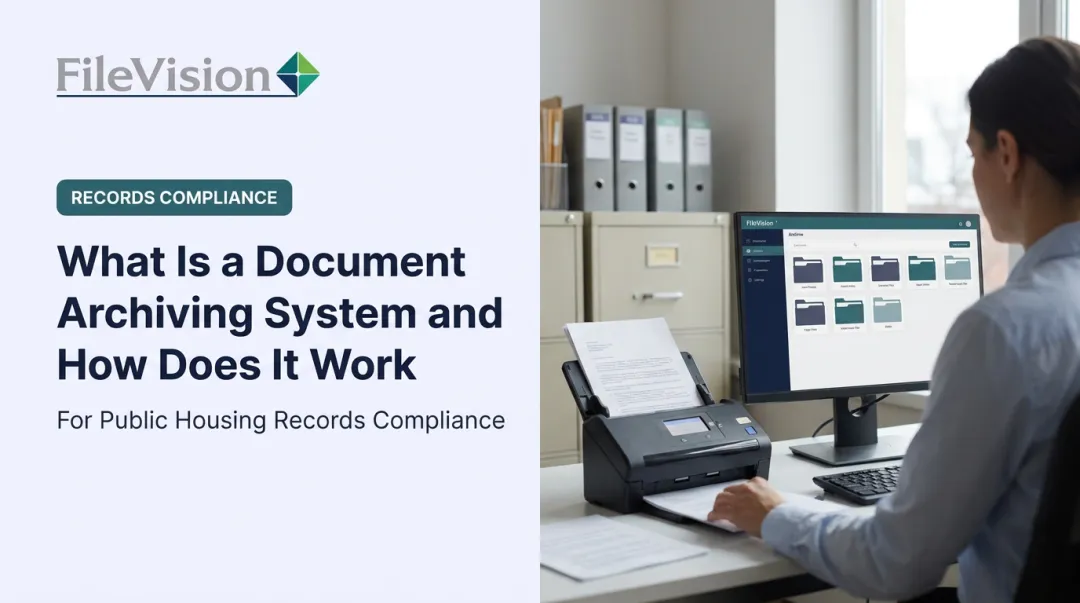
Scanning a stack of paper into PDFs only creates digital storage, not real document management.
True document management adds layers on top of the scanned content:
- Indexing and metadata that make files searchable by name, date, or category
- Workflow rules that route documents to the right person automatically
- Compliance controls that enforce retention schedules and access permissions
Without these layers, agencies just end up with a digital version of the same filing cabinet problem.
Transaction-Based Document Management
The more advanced model links documents directly to the process that created them rather than dropping them into a generic folder.
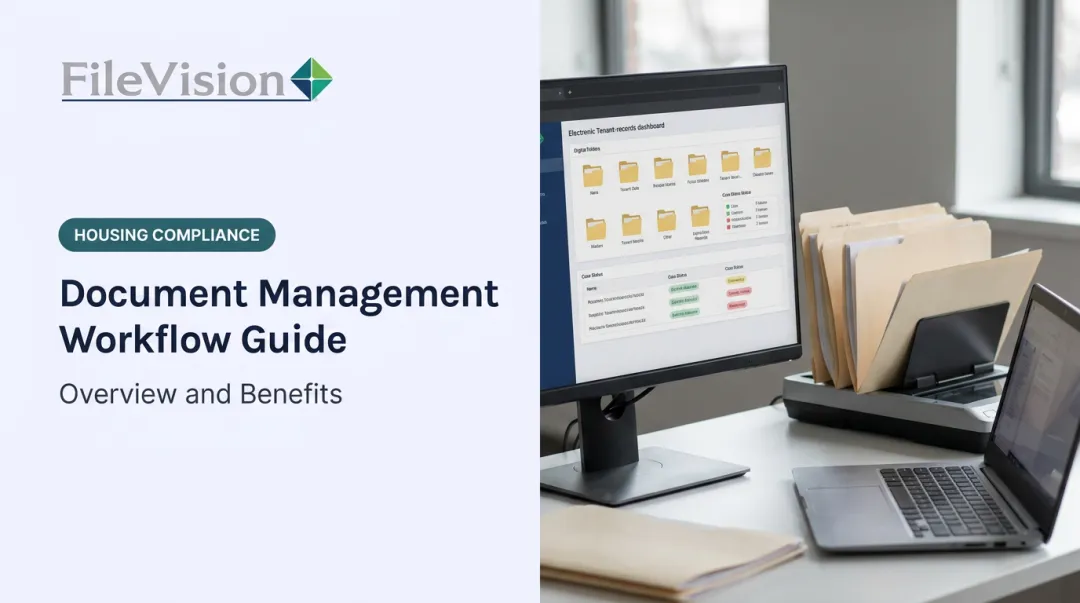
Think of intake, recertification, or permit approval as the organizing principle instead of a folder labeled "Smith, John." Every document tied to a specific transaction sits together, making retrieval fast and audit trails clean.
This is a meaningfully different approach than basic file storage. It's the model FileVision built its Electronic Tenant Records (ETR) platform around for housing authorities.

The scale of the paper problem makes this urgent. A 2022 U.S. Chamber of Commerce study found that federal agencies processed more than 106 billion forms across 9,858 unique form types in a single year, at an estimated cost of $38.7 billion annually.
That's a third-party estimate, not a federal audit figure. Still, it illustrates why purpose-built systems matter more than a generic scan-and-store approach.
Why It Matters: Common Challenges Without a DMS
Agencies still running on paper face three recurring problems.
Volume overload. Citizen demand keeps growing, but file cabinets don't expand. Housing authority staff have described the situation bluntly: thick, color-coded files stacked in piles, with constant refrains of "I can't locate the file." Records get lost. Service slows down.
Compliance and security risk. Scattered, unsecured records create legal exposure. NARA's 2024 federal agency assessment found 46% of responding agencies at moderate records-management risk and 10% at high risk, with electronic-records risk following a similar pattern. Nearly half of FOIA-subject agencies in that report had already encountered records that should have been disposed of.
Information silos. Departments running separate systems duplicate work and lose data accuracy. One housing authority noted the shift toward better cross-counselor coordination after moving off paper, implying that siloed records had been holding staff back for years.
Core Features and Capabilities of a Government DMS
Not every "document management" tool offers the same depth. Here's what a real one includes.
Document Capture and OCR
Scanning combined with optical character recognition (OCR) indexes incoming documents automatically, pulling out key data like names, dates, and document types. Federal digitization rules under 36 CFR 1236 don't actually require OCR, but most modern systems use it to speed retrieval.
FileVision ETR applies OCR alongside structured indexing criteria like tenant name, process type, and document date, so full-text search works alongside metadata search. It's a practical improvement over manually flipping through files, even though no OCR system claims perfect accuracy on every scanned page.
Centralized, Secure Repository
A single system consolidates records across departments with permissions tied to specific roles. This matters most for sensitive files:
- Reasonable-accommodation case records
- Grievance and hearing files
- Financial and eligibility documentation
Role-based access control, as NIST defines it, assigns permissions to roles rather than individuals, so staff only see what their job requires.
Workflow Automation
Routine tasks like approvals, renewals, and recertifications get automated instead of chased manually. Systems like FileVision route intake tasks through an "Action Sheet" that links every required document to the task automatically, flagging what's still missing before a deadline hits.
Audit Trails and Compliance Management
Every access and edit gets logged automatically. NIST's glossary defines an audit trail as a chronological record supporting reconstruction of who did what, and when. Pair that with enforced retention schedules, and agencies stop worrying about accidentally destroying records they were legally required to keep.
System Integration and Reporting
Connecting the DMS to existing case management or HMS platforms removes duplicate data entry. Exportable .csv reports then give managers real audit-ready data on demand, whether that's a usage report, a process report, or a full noticeboard export.

Key Benefits of Implementing a Government DMS
The upside isn't theoretical. It shows up in budgets, staff time, and office space.
Cost Reduction
Paper isn't cheap to store, ship, or search through. The U.S. Treasury projected that digitizing up to 1 billion historical IRS documents would save roughly $40 million annually in storage costs alone (Treasury, 2023).
That's a federal-scale projection, but the underlying math applies at any agency size: fewer file cabinets, less rented storage, fewer staff hours spent retrieving paper.
One housing authority COO put it plainly: their file room was so overloaded they faced a choice between renting new space or spending $25,000 to reinforce flooring for the weight of the files. They implemented FileVision instead and turned that room into a conference room.
Productivity and Time Savings
Real customers report measurable gains after digitization. FileVision housing authority customers have reported productivity increases of 25% and 34% in specific departments after implementation, according to customer testimonials and internal survey data.
That tracks with what staff describe day-to-day: audit and account reports that used to take hours now take about five minutes, according to one HCV department VP.
Improved Compliance and Audit Readiness
Automated retention rules and access logs reduce regulatory exposure. Missing-document checklists flag compliance gaps before an auditor ever asks about them, rather than after.
For example, a housing authority preparing for a HUD REAC or SEMAP review can produce a complete document trail in minutes rather than pulling paper files for days.
Space Reclamation and Remote Work
Digitized file rooms free up physical space for actual use. Beyond the conference room conversion mentioned above, agencies have reported:
- Eliminating off-site storage contracts entirely
- Converting former file rooms into break rooms
- Enabling secure remote access during COVID-19, when several housing authority directors credited electronic filing with keeping operations running through lockdowns

How to Choose the Right Government Document Management System
Not every DMS fits every agency. A few factors separate a good long-term choice from a costly mistake.
- Scalability — The system should handle growing document volume and new use cases without slowing down. What works for 5,000 files should still work at 500,000.
- Security and compliance certifications — Look for encryption, role-based access, and audit logging, and ask vendors for documentation, not just assurances.
- Ease of use and support — An intuitive interface matters less if staff never get trained on it. Check response times and support hours before signing anything.
- Deployment flexibility — Cloud-based systems offer stronger disaster recovery and lower upfront costs; on-premises suits agencies with strict data residency needs. Regardless of hosting model, NIST holds agencies responsible for their own data security (NIST SP 800-210), so vendor "the cloud handles it" claims deserve scrutiny.
- Purpose-built vs. generic platforms — This is the factor most agencies underweight. A general DMS can store files, but it can't calculate a SEMAP score or auto-generate a HUD-52648 form. Housing authorities get more value from software like FileVision's ETR platform, built specifically around HUD workflows instead of retrofitted from a generic template.
FileVision: Purpose-Built Document Management for Housing Authorities
Generic document management platforms weren't built with housing authority compliance in mind. FileVision ETR was.
FileVision ETR is a web-based Electronic Tenant Records system designed from the ground up for housing authority and community development agency workflows, not a general DMS retrofitted for public housing.
What makes it different:
- Transaction-based organization links every document directly to the housing process that generated it, such as Intake, Annual Recertification, or Interim Changes, rather than sitting in a generic tenant folder
- Direct HMS integration pulls tenant data, recertification dates, and financial figures in real time, cutting out duplicate entry
- The SEMAP module auto-calculates compliance scores per CFR 985 across 14 key indicators, then auto-generates the HUD-52648 certification form using those same selections
- Secure, role-based external auditor access lets reviewers filter records by transaction type remotely, without requiring an on-site visit

FileVision backs this with an accredited document management platform, a 1-year warranty, and dedicated support available Monday through Saturday. For agencies evaluating a long-term partner rather than a short-term fix, that combination of specialization and support matters more than a longer feature list.
Frequently Asked Questions
What is the best document management system for government agencies?
It depends on the agency. General-purpose platforms handle broad document storage fine, but agencies with specialized compliance needs, like housing authorities, get more value from purpose-built solutions such as FileVision ETR.
What is the difference between DMS and ECM?
A DMS focuses on managing individual documents: storage, versioning, and retrieval. Enterprise Content Management (ECM) is broader, encompassing DMS plus records management, workflow, and content governance across an entire organization.
What is the difference between a document management system and a records management system?
A DMS manages active, working documents. A records management system governs classification, retention, and disposition throughout a record's legal lifecycle. Many government systems combine both functions.
Is cloud-based or on-premise better for government document management?
Cloud-based systems typically offer better disaster recovery, remote access, and lower upfront costs, though on-premise suits agencies with strict data residency needs. Most government DMS platforms, including FileVision ETR, default to secure web-based deployment.
How much does a government document management system cost?
Pricing varies based on document volume, user count, and required modules like workflow automation or compliance tracking. Agencies should request a tailored quote rather than relying on flat, generic pricing.
Can a government DMS help housing authorities with HUD compliance?
Yes. Specialized systems like FileVision include modules such as SEMAP, which auto-calculates compliance scores and generates required HUD certification forms, reducing hours of manual paperwork for housing authority staff.