Manual approval bottlenecks cost more than patience. Ardent Partners found average invoice processing now takes 10.1 days, and 49% of accounts payable teams cite slow approvals as their biggest headache.
Approval workflow software fixes this by routing requests automatically, enforcing who signs off and when, and leaving an audit trail that finance, HR, procurement, and compliance teams can actually use.
This guide ranks the 12 best approval workflow platforms for 2026, covering general-purpose leaders and specialized tools built for regulated sectors like housing authorities.
TL;DR
Approval workflow software automates who reviews, approves, or rejects a request, cutting cycle time, adding visibility, and keeping compliance intact.
- Different teams need different tools, ranging from all-in-one platforms to niche, regulated-sector specialists
- Weigh integrations, security certifications, scalability, and ease of use before choosing
- This list includes general-purpose leaders like Moxo and Wrike, plus niche picks like FileVision for housing authorities
Overview of Approval Workflow Software in Modern Business Operations
Approval workflow software automates the review, sign-off, and escalation steps between a request and a final decision, replacing email chains and paper routing slips with a trackable digital path.
Adoption is climbing fast. The intelligent process automation market is projected to grow from $14.6 billion in 2024 to $44.7 billion by 2030, a 22.6% compound annual growth rate.
Compliance pressure and distributed teams are driving much of that growth. Auditors want documented trails, and remote employees want status visibility without a hallway conversation.
The right platform depends heavily on what's being approved. A marketing asset, an HR request, an invoice, and a HUD-mandated tenant certification all demand different levels of structure. That's where the following ranking comes in: 12 tools, each suited to a different type of approval workload.
12 Best Approval Workflow Software Solutions in 2026
Reliability, breadth of use case, integration depth, and proven customer trust across industries anchor every pick on this list.
Moxo
Moxo is built for approvals that cross company lines: client sign-offs, partner reviews, and vendor confirmations that need a paper trail and a relationship, not just a routing rule.
What sets it apart is the combination of a drag-and-drop workflow builder with a centralized collaboration portal. Requesters and approvers message, share files, and sign inside one secure space, with document collection, e-signatures, and no-code workflow templates built in.
Automated reminders and escalation rules keep external approvers from going quiet. Every step gets logged for audit purposes, so consulting and legal teams rely on it for regulated, client-facing work.
| Category | Details |
|---|---|
| Key Features | Workflow builder, client portal messaging, automated reminders, Salesforce/HubSpot/DocuSign integrations |
| Best For | External and client-facing approvals requiring security and relationship management |
Wrike
Wrike treats approvals as one piece of a bigger delivery pipeline. Large enterprises use it to manage multi-stage sign-offs, such as creative reviews, budget approvals, and scope changes, without leaving the project where the work actually lives.
Custom request forms feed directly into one-click approval steps, and automation rules notify the right approver and escalate anything that stalls. With more than 400 integrations, Wrike connects approval data to whatever CRM, finance, or storage system a team already runs.
| Category | Details |
|---|---|
| Key Features | Custom request forms, approval dashboards, automations, activity history |
| Best For | Teams needing approvals tightly integrated with project execution at scale |
DocuWare
DocuWare is a document management platform first, which makes it a natural fit for approval processes buried inside paperwork: accounts payable, contracts, HR files.
OCR and intelligent document processing capture and classify incoming documents automatically. Rules-based routing then pushes them through serial, parallel, or conditional approval paths with SLA-driven escalation. Workflow stamps, segregation-of-duties controls, and an exportable audit trail give compliance teams what they need when auditors show up.
| Category | Details |
|---|---|
| Key Features | Automated indexing, workflow stamps, segregation-of-duties controls, exportable audit trail |
| Best For | Document-heavy, compliance-driven approval processes like AP and HR |
FileVision
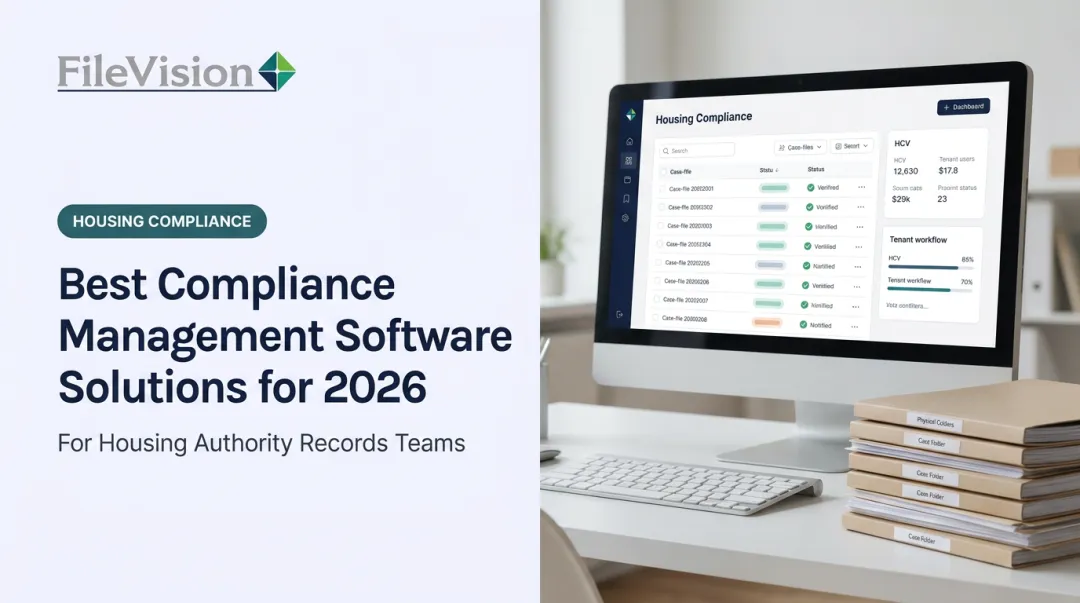
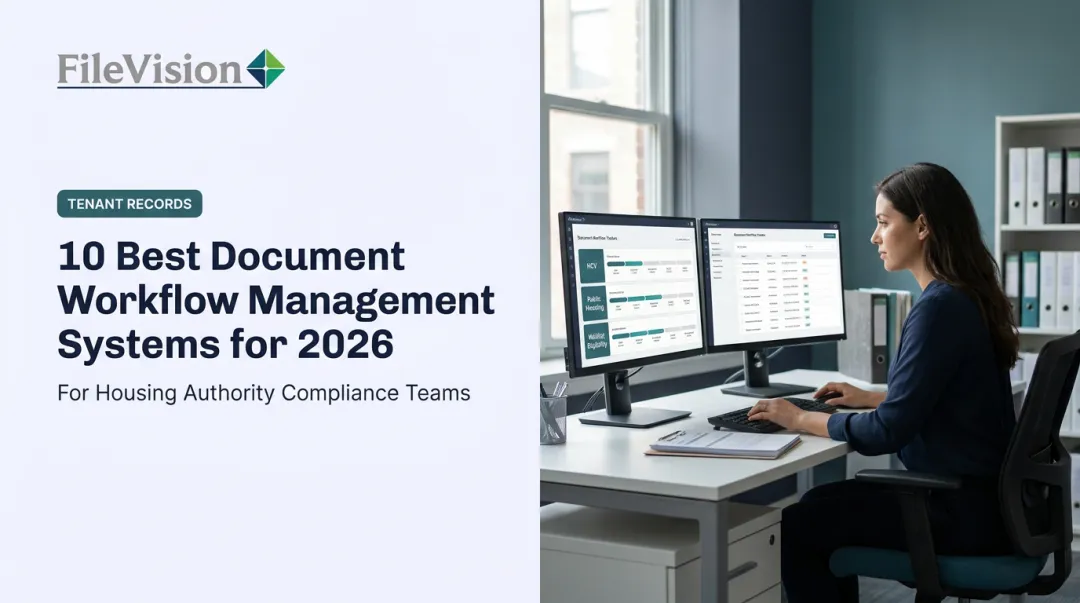
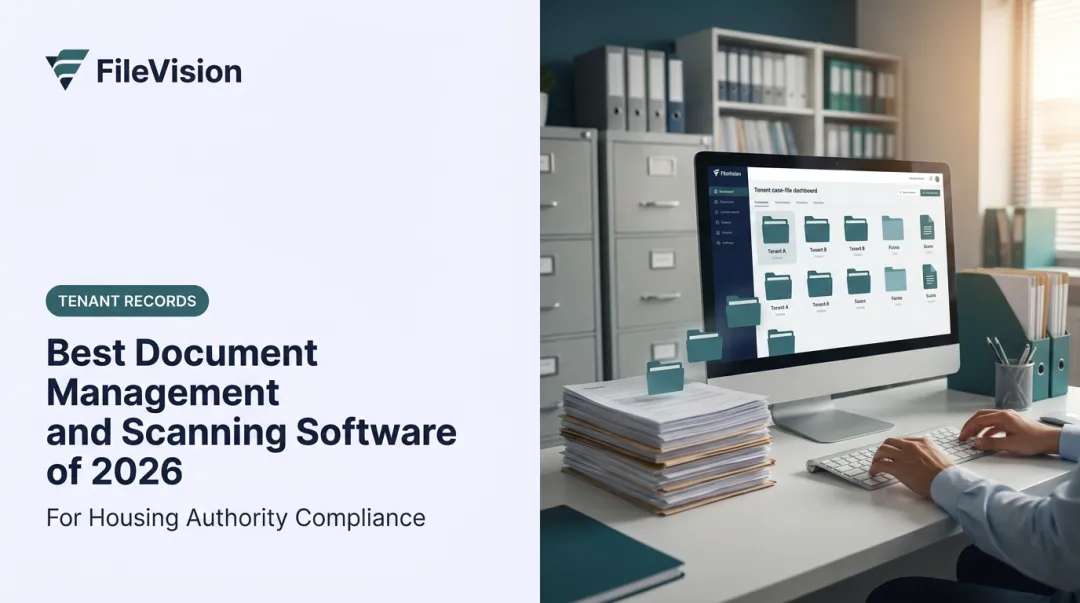
FileVision takes a different approach entirely. Instead of adapting a generic platform for housing agencies, it's built from the ground up as an Electronic Tenant Records (ETR) system for housing authorities and community development agencies. Approvals are structured around the transactions those agencies actually process.
Every approval ties directly to a housing event: Intake, Annual Recertification, or Interim Change. Action Sheets route each case to the right counselor with the linked documents attached, and configurable checklists flag missing paperwork before a file moves forward.
Direct integration with most Housing Management Systems pulls tenant data, including names, recertification dates, and program enrollment, in real time. This eliminates the duplicate entry that causes errors in generic tools.
The SEMAP module adds another layer specific to this sector. It auto-calculates compliance scores per 24 CFR Part 985 for each management indicator, then auto-generates the HUD-52648 certification form from those results.
External auditors get secure, read-only access scoped to specific tenant records, so compliance reviews happen without an on-site visit. One housing authority reported a 25% productivity gain after full implementation.
| Category | Details |
|---|---|
| Key Features | Noticeboard/Dashboard task oversight, SEMAP compliance automation, role-based audit access, HMS integration |
| Best For | Housing authorities, PHAs, and government agencies needing compliance-certified, auditable approval workflows |

Jotform Approvals
Jotform Approvals turns form submissions into simple, multi-step approval flows without much setup, think PTO requests or expense sign-offs where the routing logic stays basic.
The catch: complex branching often means building duplicate forms rather than one flexible flow. Jotform's Starter plan limits accounts to one approval per form and up to three approvers, which is plenty for a small team but restrictive for anything more layered.
Productive
Productive bundles project delivery, budgeting, and approvals into one platform built for agencies and consultancies. Time, expense, and time-off approvals live inside the same budgets and schedules being managed elsewhere in the tool.
That matters because approvers aren't switching tabs to check whether a request affects a client budget. Expense approval sits on Productive's higher-tier plan, and time approval can require sign-off from a budget owner, manager, or any combination of approvers a firm defines.
Microsoft Power Automate
Power Automate is an IT-led automation engine, not a client-facing tool. It's strongest for back-office, system-triggered approvals: a document lands in SharePoint, an approval request fires automatically through Outlook or the Approvals Center.
It requires technical setup, and it lacks built-in messaging or portal context for approvers outside the organization. External approval works through Microsoft Entra guest accounts, but there's no dedicated client chat inbox.
Asana
In Asana, approval tasks sit directly inside the project timeline. Files, comments, and due dates stay in one thread instead of scattering across email. Approvers mark a task Approved, Rejected, or Changes Requested without leaving the workspace.
AI Studio and Rules help standardize repeatable approval sequences, with up to 50 rules available per project. The trade-off: it works best for teams already running their work inside Asana.
ClickUp
ClickUp combines tasks, docs, and approval status fields into one workspace, giving cross-team visibility into where a request sits at any moment.
Reviewers have flagged real concerns worth weighing before committing:
- Steep learning curves for new users
- Complicated setup for multi-step workflows
- Reported lag on larger projects
For teams tracking dozens of simultaneous approval threads, that performance friction can undercut the real-time visibility the tool promises.
Adobe Workfront
Adobe Workfront is built for enterprise creative operations, with single- and multi-stage approval processes, deadline locking, and status-triggered paths that suit multi-step creative sign-offs.
Audit trail depth is strong within Workfront Proof specifically. The trade-off is a steeper learning curve than most tools on this list, and larger teams sometimes report performance lag when managing high volumes of concurrent creative reviews.
Ziflow
Ziflow specializes in one thing: creative content approval. Annotation tools, side-by-side version comparison, and both sequential and parallel review paths make it a favorite for marketing teams pushing assets through multiple rounds of feedback.
Version comparison is available across all of Ziflow's plans, but deeper proofing features, like comment copying across versions, sit behind the Pro and Enterprise tiers.
airSlate
airSlate generates documents and routes them with no-code bots across CRM, finance, and HR systems, useful when an approval needs to trigger downstream actions like updating a record or storing a signed file.
Reviewers note that bots can slow down when handling many form variations, and moving data between forms and signature documents isn't always seamless. It's a stronger fit for teams needing cross-system document routing than for teams that just need a simple approval chain.
How We Chose the Best Approval Workflow Software
Most buyers pick approval software based on brand recognition or the lowest sticker price. That's a mistake: the more relevant question is whether a platform's structure matches how complex your approvals actually are and what compliance obligations you carry.
We weighted five factors for this list, each tied to a business outcome:
- Integration depth: connects to systems already in use, reducing duplicate data entry and speeding cycle time
- Security and compliance certifications: supports audit trails, role-based access, and retention policies for audit readiness
- Scalability: handles growth from a five-person team to an enterprise rollout without a platform switch
- Ease of adoption: encourages approvers to use the tool instead of reverting to email
- Industry-specific fit: matches sector rules, like HUD certification requirements for housing authorities, instead of forcing a generic template

These five factors shaped our scoring, but source reliability mattered too. We prioritized official product documentation over review sites in this evaluation, relying on reviews mainly to flag reported usability or performance issues.
Conclusion
There's no single best approval workflow software. What matters is the best fit for your operational goals and industry rules. A creative agency's needs look nothing like a housing authority's HUD compliance obligations.
Start small. Pilot one high-value approval flow, measure cycle time and error reduction before and after, and confirm the tool scales and integrates with your existing systems before rolling out further.
Organizations handling regulated, document-intensive approvals (with housing authorities and community development agencies chief among them) should evaluate a purpose-built solution like FileVision alongside general-purpose platforms. This matters most for HUD certification tracking and audit-ready tenant records.
Frequently Asked Questions
What is the best workflow approval software?
It depends on your use case. Moxo and Wrike lead for cross-team and client-facing approvals, DocuWare handles document-heavy compliance work, and specialized tools like FileVision serve regulated sectors such as housing authorities.
How does the approval process work in workflow approval software?
A requester submits an item, and the software routes it automatically to the designated approver based on predefined rules. The approver then reviews it and approves, rejects, or sends it back for changes, all inside the platform.
Which approval workflow software works best for invoice approvals?
Document-centric platforms like DocuWare handle invoice routing with OCR capture and SLA-based escalation. All-in-one platforms with built-in expense features, such as Productive, work well for agencies that want approvals tied to budgets.
What features should I look for in approval workflow software?
Look for automated routing and reminders, role-based permissions, audit trails, integrations with your existing systems, and analytics that surface where requests get stuck.
Is there free approval workflow software available?
Jotform Approvals offers a free tier suited to simple, low-volume routing like PTO or expense requests. Usage caps apply once submission volume grows beyond a small team's needs.
How do approval workflows differ for regulated industries like housing authorities or government agencies?
Regulated sectors need compliance features general tools often skip, such as auto-generated certification forms and secure external auditor access. Purpose-built platforms like FileVision build these directly into the approval process rather than bolting them on.