A modern EDMS does more than store files. It cuts the hours staff spend hunting for documents, keeps organizations audit-ready for mandates like HIPAA, SOX, GDPR, and HUD recordkeeping rules, and shrinks the operational drag of paper-based processes. This guide ranks the top EDMS platforms for 2026, covering both broad enterprise players and specialized tools built for regulated sectors.
TL;DR
- EDMS platforms centralize document storage, workflow automation, and compliance-grade security far beyond what basic tools like Google Drive offer
- Platforms below are ranked on security, compliance readiness, integration depth, scalability, and industry fit
- The list includes enterprise systems and niche tools, such as FileVision for HUD-regulated housing authorities
- Pricing ranges from per-user cloud subscriptions to custom enterprise quotes
Overview of Electronic Document Management Systems in Today's Business Landscape
Paper-based filing and scattered folders leave staff hunting for documents and risking compliance gaps. An EDMS eliminates that friction with a centralized digital platform that stores, classifies, and secures documents while automating the workflows built around them. That distinguishes it from plain file storage: version control, retention rules, audit trails, and process automation baked in from the start.
The market reflects that shift. Grand View Research pegs the North America document management system market at $3,105.6 million in 2024. It's projected to reach $7,163.6 million by 2030 — a 15.4% compound annual growth rate, according to Grand View Research's 2025 industry outlook.

Hybrid and remote work arrangements are accelerating that adoption curve, pushing organizations toward systems that support secure access from anywhere.
Below, we rank the platforms best positioned to serve different organizational needs heading into 2026.
Top Electronic Document Management Systems in 2026
Each platform was evaluated on security certifications, compliance features, integration depth, scalability, and how well it fits a specific industry's workflow.
DocuWare
Founded in 1988 (originally as Docunet), DocuWare has spent decades refining cloud and on-premises document management, and it shows in the maturity of its automation tools.
What sets it apart:
- Intelligent Indexing uses machine learning that improves with user corrections over time, reducing manual data entry
- Built-in invoice processing automation speeds up accounts payable cycles
- Broad integration coverage: DocuWare lists connections to SAP, QuickBooks, Microsoft Dynamics, Oracle, and roughly 500 applications across ERP, CRM, and HR systems
| Key Features | AI-driven document capture, workflow automation, mobile access |
| Best For | Mid-size to large enterprises in finance, healthcare, manufacturing |
| Pricing | Custom quote after demo; 30-day free trial available |
Laserfiche
Laserfiche built its reputation on intelligent document management paired with business process automation, and government and education clients have remained loyal because of it.
Standout capabilities:
- Laserfiche Vault offers WORM (Write Once Read Many) storage as an add-on, plus a strict-compliance mode for organizations facing rigorous retention mandates
- Federated search pulls records across repositories instantly
- G2 reviewers rate it 4.7 out of 5 across 1,247 reviews
| Key Features | Federated search, records retention, business process automation |
| Best For | Government, education, and regulated industries needing audit trails |
| Pricing | Cloud Starter plans available for small teams; enterprise pricing varies by deployment |
Hyland (OnBase/Alfresco)
Hyland operates at enterprise scale, and analysts have taken notice. The company was named a Leader in the 2026 Gartner Magic Quadrant for Document Management, cited for both ability to execute and completeness of vision, per Hyland's published analyst report.
Why organizations pick it:
- Deep industry-specific modules for insurance, healthcare, and financial services
- Hyland reports helping Liberty Mutual Insurance save $21 million over five years
- New Content Intelligence tools, launched in early 2025, add natural-language search and AI content enrichment
| Key Features | Enterprise content management, records retention, AI-enabled search |
| Best For | Large enterprises in insurance, healthcare, and financial services |
| Pricing | Custom enterprise pricing based on deployment scale |
M-Files
M-Files takes a different architectural approach entirely. Instead of organizing content by folders, it classifies everything by metadata, meaning documents stay findable and governed regardless of where they physically live, without a disruptive migration.
Notable strengths:
- OCR converts scanned documents into searchable PDFs automatically
- Modular editions let organizations bundle only the features they need
- Used by more than 6,000 organizations, including complex enterprise environments
| Key Features | Metadata-based organization, workflow automation, compliance tracking |
| Best For | Organizations wanting flexible, modular EDMS deployment without migration hassle |
| Pricing | Essentials starts around $65/seat; Enterprise is custom-quoted |
FileVision
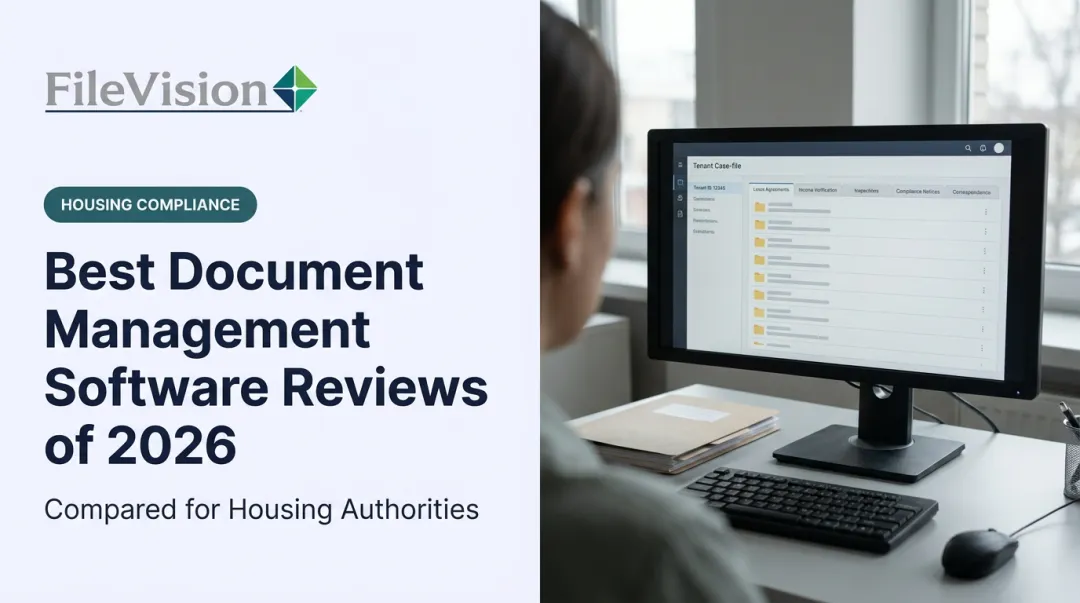
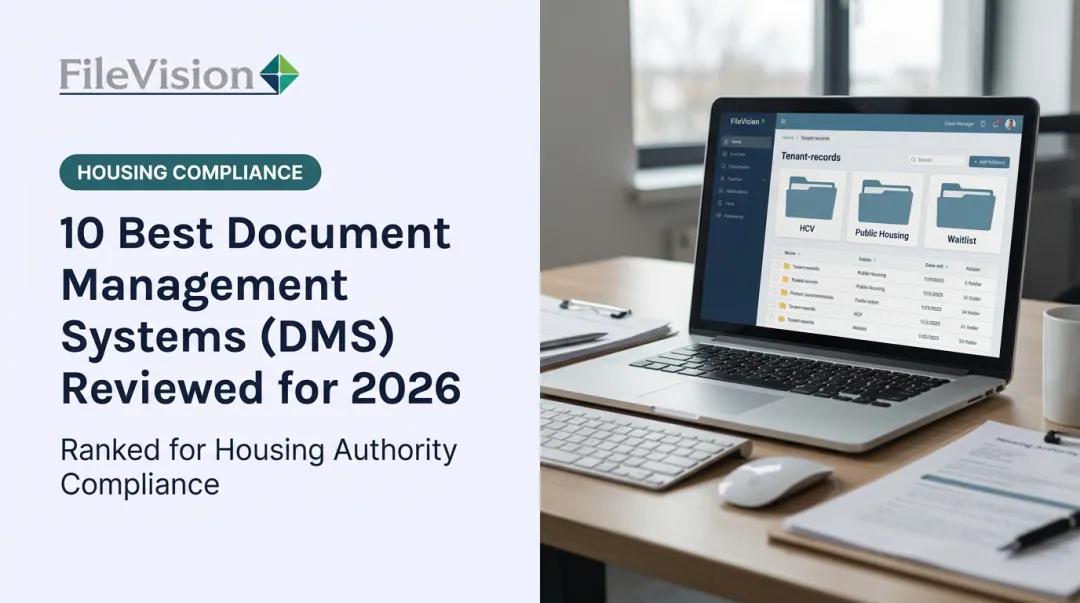
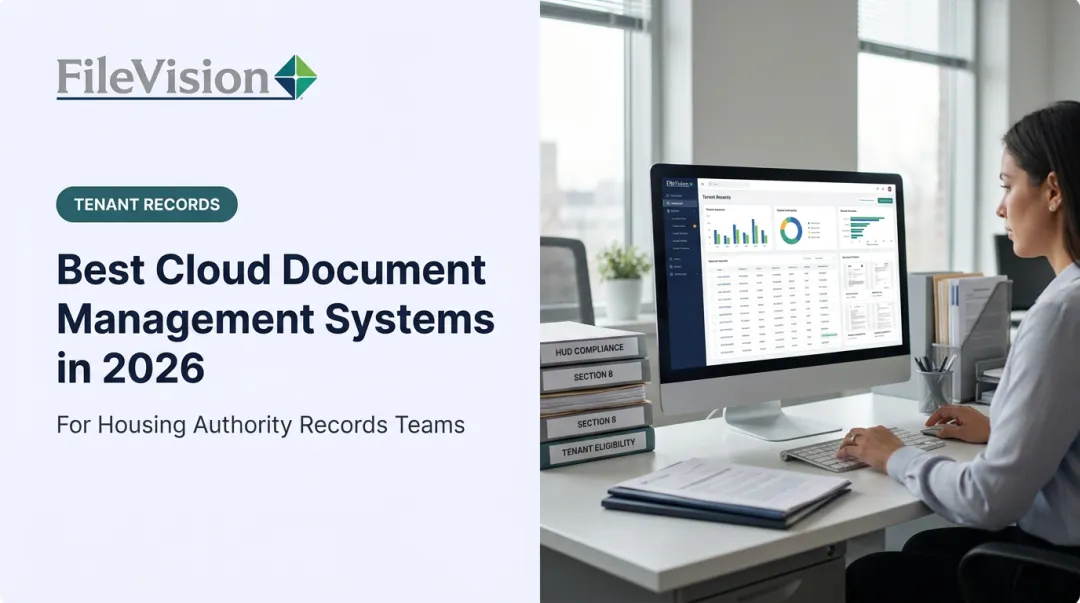
FileVision takes a narrower, deeper approach: it's a purpose-built, web-based Electronic Tenant Records (ETR) platform designed specifically for housing authorities, public housing agencies, and community development agencies navigating HUD compliance.
Rather than organizing files generically, FileVision links every document directly to the housing transaction it belongs to: Intake, Annual Recertification, Interim Changes, Move-in/Move-out, and more.
Core capabilities:
- The Noticeboard greets counselors each day with color-coded tasks flagging what needs attention
- One click opens an Action Sheet showing the full tenant record with an audit list of missing documents
- The SEMAP module auto-calculates CFR 985 scores and generates HUD-52648 certification forms directly from stored data
- External auditors get read-only, role-based access scoped to specific tenant records, filtered by transaction type, letting audits happen remotely instead of on-site

Housing authority customers have reported productivity gains as high as 25% to 34% after full implementation, according to internal customer testimonials.
| Key Features | HMS integration, SEMAP compliance module, centralized Noticeboard/Dashboard |
| Best For | Housing authorities, PHAs, and community development agencies requiring HUD compliance |
| Pricing | Custom quote, includes 1-year warranty and Monday–Saturday support |
Box
Box has built its name on cloud-native content collaboration at massive scale — the company states it's trusted by 69% of the Fortune 500.
What makes it stick:
- Zero-trust security architecture covering identity, encryption, and device controls
- More than 1,500 app integrations, including Salesforce, Workday, and Oracle NetSuite
- Built-in eSignature and OCR reduce the need for separate point tools
| Key Features | Cloud storage, governance tools, eSignature, OCR |
| Best For | Organizations of any size needing general-purpose cloud collaboration |
| Pricing | Free plan available; Business starts at $15/user/month billed annually |
How We Chose the Best EDMS Platforms
The most common mistake organizations make is picking an EDMS based on brand name recognition or the lowest sticker price, without checking whether it actually fits their compliance obligations or existing tech stack.
We weighted platforms against five factors that most directly affect real operational outcomes:
- Security certifications: Does it meet the standards your industry actually enforces?
- Industry specialization: Is it built for your workflows, or adapted from something generic?
- Scalability: Will it still fit in three years, or will you outgrow it?
- Integration depth: Does it talk to the systems you already run?
- Audit readiness: Can it produce what an examiner or regulator will ask for, quickly?
Platforms that scored well across all five categories made this list; those that excelled in only one or two did not.
Conclusion
There's no single "best" EDMS. The right choice depends on matching platform capabilities to your compliance obligations, your industry, and organizational direction. Don't chase whichever tool has the longest feature list or the lowest price tag.
Before signing anything, dig into vendor support quality, real scalability limits, and total cost of ownership over three to five years, not just the first-year invoice.
Those criteria matter most for public sector buyers. If you're a housing authority or community development agency looking for a system built specifically around HUD compliance rather than adapted for it, FileVision's ETR solution is worth a closer look.
Frequently Asked Questions
What is an electronic document management system?
An EDMS is a centralized digital platform for storing, organizing, and securing documents. It typically includes workflow automation, version control, and compliance-ready audit trails that basic file storage tools lack.
What are examples of an EDMS?
Common examples include DocuWare, Laserfiche, Hyland, M-Files, and Box. Specialized platforms like FileVision serve regulated sectors such as HUD-compliant housing authorities.
Is Google Drive an EDMS?
Google Drive tracks file versions and activity history, but it is primarily a file-sharing tool. Achieving compliance-grade retention and audit controls usually requires the separate Google Vault add-on, unlike purpose-built EDMS platforms.
What is the difference between an EDMS and a regular DMS or ECM?
An EDMS focuses on managing documents specifically — storage, retrieval, and workflow. ECM (Enterprise Content Management) manages a broader range of content types, including unstructured data, across an entire organization.
How much does an EDMS typically cost?
Pricing ranges widely: some platforms charge $15 to $65 per user monthly for cloud subscriptions, while enterprise deployments often require custom quotes based on users, features, and storage needs.
Is SharePoint considered an EDMS?
SharePoint offers document management capabilities, including retention labels and workflows through Microsoft Purview. Reaching full EDMS-level control, however, often requires substantial configuration and governance planning.